Best PDF Scanner Apps for iPhone and Android in 2026
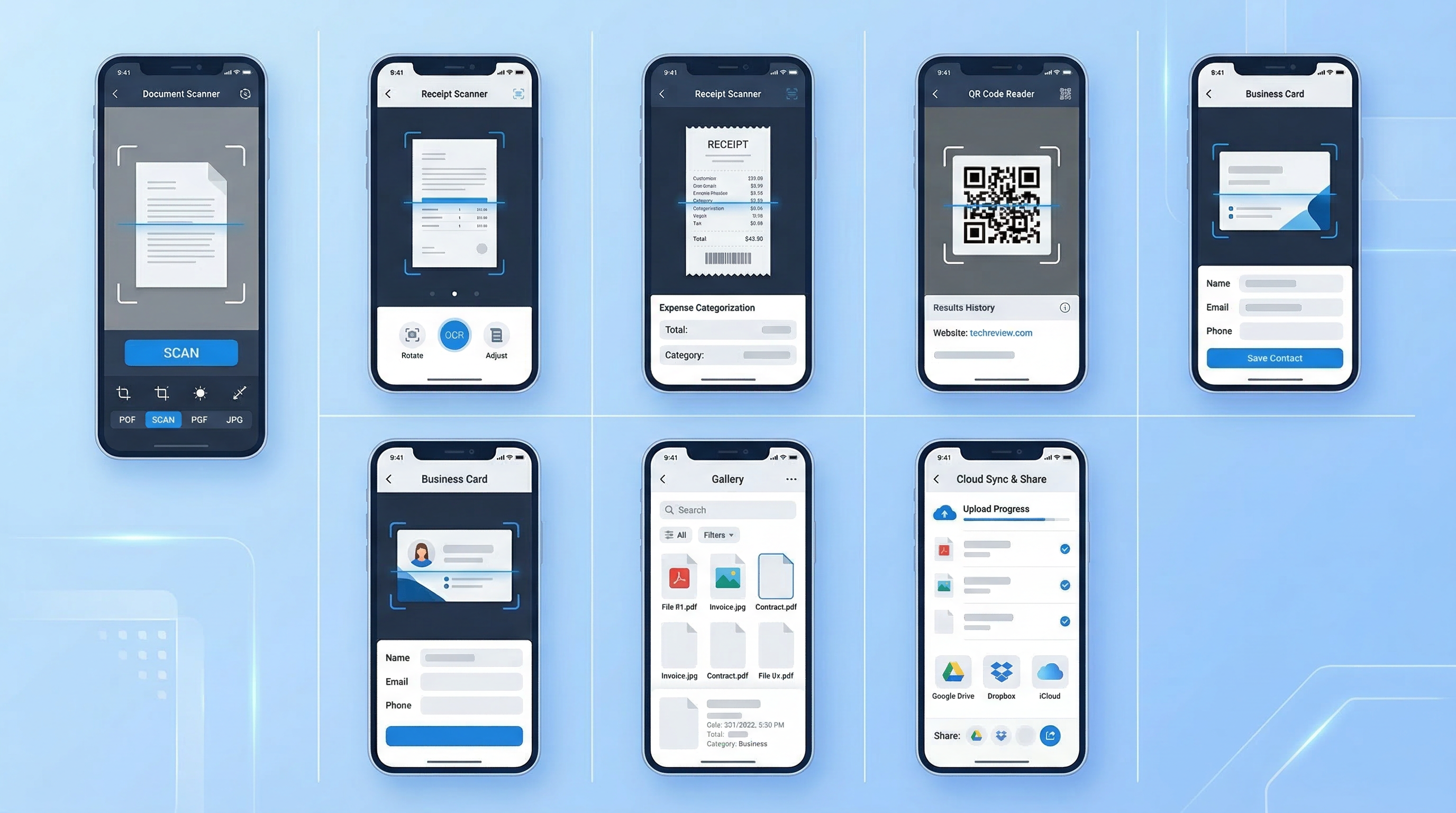
The mobile scanning market has matured significantly. What were once novelty camera apps are now sophisticated document management platforms — complete with OCR, e-signatures, cloud sync, and AI-powered categorization.
Choosing the right one depends on your specific workflow. This breakdown covers the leading apps in 2026 and helps you identify which one fits your needs.
What to Look For in a PDF Scanner App
Before comparing apps, establish your criteria:
- Scan quality — Auto-edge detection, perspective correction, image enhancement
- OCR accuracy — How reliably does it extract text from scanned images?
- PDF output — Can you merge pages, add annotations, compress file size?
- E-signatures — Does the app support signing documents directly?
- Organization — Folders, tags, search functionality
- Cloud sync — Cross-device access and backup
- Pricing — Free tier limitations vs. premium value
- Privacy — Where is your data stored and processed?
The Top PDF Scanner Apps in 2026
1. Adobe Scan (iOS & Android)
Best for: Adobe ecosystem users
Adobe Scan is the most widely cited scanner app in 2026, largely because it's free, reliable, and integrates seamlessly with Adobe Acrobat and Creative Cloud.
Strengths:
- Excellent scan quality with automatic edge detection
- Strong OCR powered by Adobe's engine
- Converts scans to editable PDFs in Acrobat
Weaknesses:
- E-signature requires a separate Adobe Acrobat subscription (expensive)
- No built-in document organization beyond basic folders
- Free tier has limitations on cloud storage
- Requires an Adobe account
Pricing: Free (with Adobe account); Acrobat Pro required for advanced features ($19.99/month)
2. Microsoft Lens (iOS & Android)
Best for: Microsoft 365 users
Microsoft Lens is the natural choice for anyone deep in the Microsoft ecosystem. Scans integrate directly with OneNote, Word, OneDrive, and Teams.
Strengths:
- Deep Office integration
- Whiteboard mode for meeting notes
- Free with no subscription required
Weaknesses:
- No built-in e-signature
- OCR accuracy trails behind dedicated scanning apps
- Limited PDF management features
Pricing: Free
3. CamScanner (iOS & Android)
Best for: High-volume scanning
CamScanner is one of the oldest players in mobile scanning and has a huge user base. It handles high-volume scanning workflows well.
Strengths:
- Batch scanning with auto-shutter
- Built-in fax sending
- Extensive format export options
Weaknesses:
- History of privacy concerns (adware controversy in 2019)
- Free tier adds watermarks
- UI feels dated compared to newer apps
Pricing: Free (with watermarks); Premium from $4.99/month
4. Scanner Pro by Readdle (iOS only)
Best for: Power users on iOS
Scanner Pro is consistently ranked among the best iOS scanning apps. It focuses on quality and workflow efficiency.
Strengths:
- Excellent scan quality
- Automatic upload to cloud services
- Action-based workflows (scan → rename → upload automatically)
Weaknesses:
- iOS only — no Android app
- Higher price point
- No built-in e-signature
Pricing: $3.99 one-time purchase (limited features) or $29.99/year Pro
5. PDF Scan Fast (iOS & Android)
Best for: Users who scan AND sign documents, all in one place
PDF Scan Fast stands out in 2026 for combining fast scanning with a built-in e-signature workflow — something most competitors handle separately with different apps or expensive add-ons.
Strengths:
- Instant PDF scanning with auto-edge detection and perspective correction
- Built-in e-signatures with multiple ink colors (black, blue, red, green)
- Smart Folders with OCR-powered search — find any document instantly
- Cloud sync across iOS and Android
- Clean, modern interface with no learning curve
- No watermarks on premium
Weaknesses:
- Newer entrant — smaller community than Adobe or CamScanner
- Advanced batch scanning for very high volumes is still maturing
Pricing: Freemium; Premium unlocks unlimited scans, cloud sync, OCR export, and watermark-free output
Ideal user: Freelancers, small business owners, students, and anyone who regularly needs to scan and sign contracts, invoices, or agreements without switching between multiple apps.
6. SwiftScan (iOS & Android)
Best for: Speed-focused users
SwiftScan lives up to its name — it's fast, with high-quality output at 200 dpi and above.
Strengths:
- Fast auto-capture
- Supports QR code and barcode scanning
- Good PDF compression
Weaknesses:
- No e-signature functionality
- Cloud sync requires premium
- Less intuitive organization features
Pricing: Free trial; Premium $9.99/month or $49.99/year
Head-to-Head Comparison
| Feature | Adobe Scan | PDF Scan Fast | CamScanner | Scanner Pro | Microsoft Lens | |---|---|---|---|---|---| | Scan quality | ★★★★★ | ★★★★★ | ★★★★☆ | ★★★★★ | ★★★★☆ | | E-signatures | Paid add-on | ✅ Built-in | ❌ | ❌ | ❌ | | OCR search | ✅ | ✅ | ✅ | ✅ | ✅ | | Cross-platform | ✅ | ✅ | ✅ | iOS only | ✅ | | Free tier | ✅ | ✅ | ✅ (watermark) | ❌ | ✅ | | Privacy-focused | ✅ | ✅ | ⚠️ | ✅ | ✅ |
Which App Should You Choose?
Choose Adobe Scan if you live in the Adobe ecosystem and primarily need scanning without signatures.
Choose Microsoft Lens if you use Microsoft 365 and want free scanning that flows into Office apps.
Choose PDF Scan Fast if you want a single app for scanning, organizing, and e-signing — with a modern interface and no need for expensive add-ons.
Choose Scanner Pro if you're iOS-only and want powerful automation workflows.
Choose CamScanner if you need high-volume batch scanning and built-in fax sending.
The Verdict
For most individuals and small businesses in 2026, the ideal scanner app does three things: scans cleanly, organizes intelligently, and signs documents natively. PDF Scan Fast is one of the few apps that checks all three boxes without requiring multiple subscriptions or app-switching.
Download PDF Scan Fast to try it free — your first document is one tap away.
Try PDF Scan Fast Free
Scan, sign, and organize your documents in seconds. Available on iOS and Android.
Related Articles
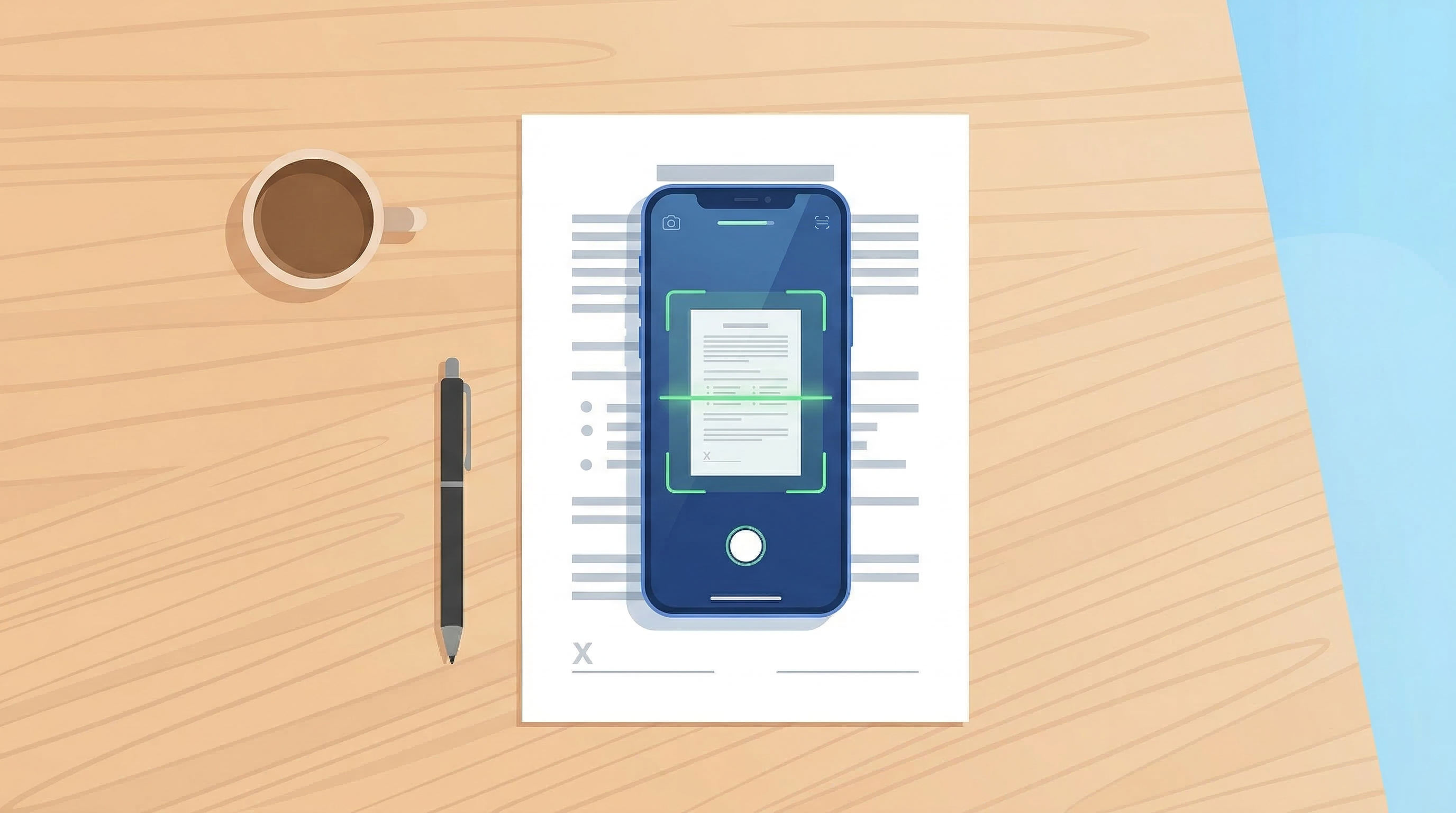
How to Scan Documents with Your Phone in 2026
Learn the fastest ways to scan any document with your iPhone or Android in 2026. No flatbed scanner needed — just your phone camera.
Read article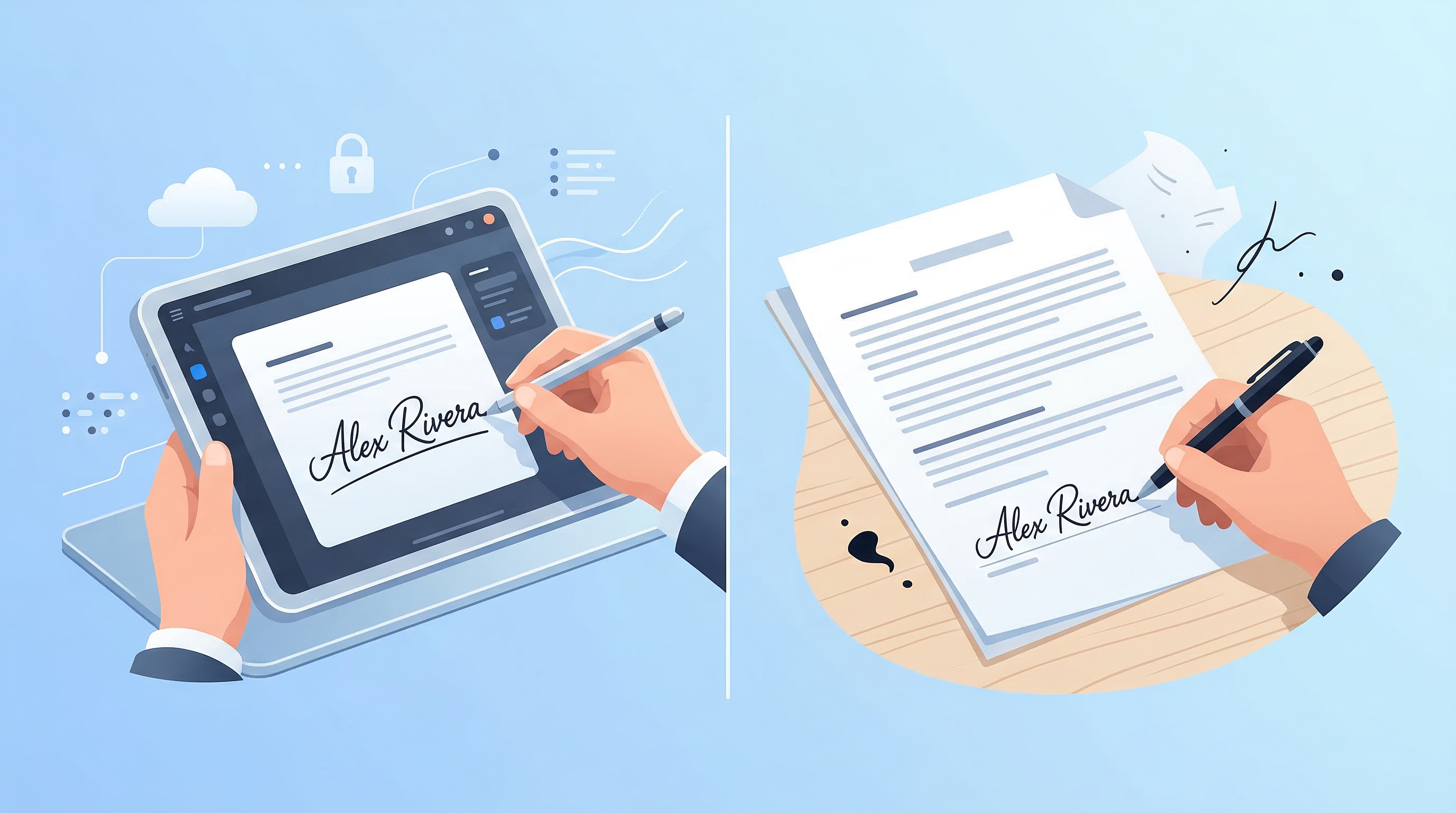
E-Signatures vs Wet Signatures: Legal Validity in 2026
Are e-signatures as legally valid as handwritten ones in 2026? Understand the law, best practices, and when each type applies.
Read article