Why Every Freelancer Needs a Mobile Document Scanner

Freelancing means running a business with minimal overhead and maximum flexibility. You work from coffee shops, client offices, co-working spaces, and your kitchen table. Your business happens wherever you are — and so does your paperwork.
A mobile document scanner is one of the highest-leverage tools in the freelancer's toolkit. Not because it's glamorous technology, but because it solves a cluster of real, recurring problems that cost time and money if ignored.
The Freelancer's Document Reality
In a single week, a typical freelancer might need to:
- Sign a new client contract
- Send a signed NDA before a kickoff call
- Scan a receipt from a client lunch (tax deduction)
- Photograph a signed change order at a client site
- Archive a completed project agreement
- Submit proof of professional certification to a new client
None of these tasks happen at a desk with a flatbed scanner. They happen wherever freelance work happens — which is everywhere.
Reason 1: Contracts Don't Wait for Office Hours
When a client sends a contract and needs it signed before they'll process your onboarding, the turnaround time matters. Delays signal disorganization. Speed signals professionalism.
With a mobile scanner and e-signature app, you can:
- Receive the contract PDF
- Review it on your phone
- Sign it electronically
- Send back the signed version
Total time: 2-3 minutes, from wherever you are.
PDF Scan Fast's built-in e-signature feature handles this entire workflow in one app — no printing, no separate signing service required.
Reason 2: Receipts Are Deductible, But Only If You Can Prove Them
Freelancers and self-employed individuals can deduct a significant range of business expenses — but only with documentation.
Commonly missed deductions:
- Client meals and entertainment (check local tax rules)
- Home office supplies
- Professional software subscriptions
- Travel and transportation
- Professional development and training
- Equipment and hardware
The friction of keeping physical receipts is high. They fade, get lost in pockets, or disappear during moves. A scan-immediately habit with PDF Scan Fast means every deductible expense is documented, named, and searchable — permanently.
At tax time, your accountant (or your tax software) works from a clean, organized digital archive instead of a crumpled pile of thermal paper.
Reason 3: Professional Presentation
The documents you produce reflect your business. A crumpled, low-quality scan submitted as a signed contract reflects poorly. A clean, sharp PDF — correctly oriented, properly signed, professionally named — does the opposite.
Modern scanner apps with auto-edge detection and perspective correction produce scans that look as good as anything from a flatbed scanner. The quality difference between a well-taken phone scan and a desktop scan is imperceptible in most business contexts.
For freelancers who work in design, architecture, law, finance, or any field where document quality signals professionalism, this matters.
Reason 4: Client Confidentiality and Document Control
Freelancers often handle sensitive client documents — briefs, financial data, strategic plans, personal information. Physical copies of these documents are a liability.
Digital-first document handling is more secure:
- No physical documents left on coffee shop tables
- No sensitive papers in bags that get stolen
- Access controlled by device biometrics
- Cloud sync with encryption means documents survive lost or broken devices
- Documents can be remotely wiped if a device is lost
A good scanning app with encrypted cloud storage (PDF Scan Fast Premium includes this) gives you control over sensitive client materials that a physical filing system can't match.
Reason 5: Accounting and Invoicing Integration
Many freelancers use accounting software — FreshBooks, Wave, HoneyBook, QuickBooks, or similar. Scanned invoices and receipts integrate cleanly into these workflows when they're properly named and organized digital files.
A consistent scan-and-file system means:
- Every business expense is documented and ready for categorization
- Client payments can be reconciled against scanned invoices
- Year-end accounting takes hours instead of days
The compounding effect of consistent receipt scanning over a year is substantial. The first scan takes 15 seconds. Tax prep that would have taken a full weekend takes a few hours.
Reason 6: Working Remotely Means No Office Equipment
Office workers have access to printers, scanners, and fax machines. Freelancers often don't — or they're in a location without access.
A mobile scanner eliminates this dependency entirely. You're never blocked by "I need to scan this but I don't have a scanner." The scanner is your phone.
This is particularly valuable for:
- Freelancers who travel — Sign a contract from a hotel room
- Remote workers — Handle paperwork without ever going to an office
- On-site workers — Scan a signed delivery receipt or site agreement immediately
- International freelancers — Manage documents across borders without shipping
Reason 7: Building Your Document Archive Builds Your Business
A freelance business that's been operating for five years should have a complete, searchable archive of every contract, invoice, receipt, and agreement from that period. This archive is:
- Legal protection — If a client disputes payment or deliverables, your documentation is your defense
- Tax compliance — Complete records mean clean, defensible tax filings
- Business intelligence — Reviewing past contracts reveals your pricing evolution, common contract terms, and client patterns
- Reputation asset — Your history of professional documentation is part of your business's credibility
Building this archive doesn't require a lot of effort — just consistent scanning and filing over time. PDF Scan Fast's Smart Folders and OCR search mean the archive stays usable, not just big.
Getting Set Up as a Freelancer
Here's a minimal effective setup:
- Download PDF Scan Fast — available on iOS and Android
- Create a folder structure for your freelance documents: Contracts, Invoices, Receipts, NDAs, Proposals
- Establish two habits:
- Scan receipts immediately at point of purchase or collection
- Sign and return contracts within the same day they're received
- Enable cloud sync to back up your archive automatically
- Use OCR search so every client name, project name, and dollar amount is searchable
That's the full setup. It takes about 15 minutes to configure and then runs automatically.
The Cost-Benefit Calculation
A premium mobile scanner app costs $5-15 per month. The value it delivers:
- Time saved: 2-4 hours per month on document management
- Tax deductions recovered: potentially hundreds to thousands per year for active freelancers
- Professional credibility: difficult to quantify, but real
- Legal protection: the archived documentation that wins disputes
The return on a good mobile scanning app is one of the highest in the freelancer toolkit. The cost is lunch. The value is a well-run business.
Start Today
Every freelancer has contracts to sign, receipts to track, and clients to impress. A mobile document scanner addresses all three.
Download PDF Scan Fast, set up your folder structure this afternoon, and handle the next document that crosses your desk in two minutes instead of twenty. Your future self — especially the one dealing with taxes — will be grateful.
Try PDF Scan Fast Free
Scan, sign, and organize your documents in seconds. Available on iOS and Android.
Related Articles
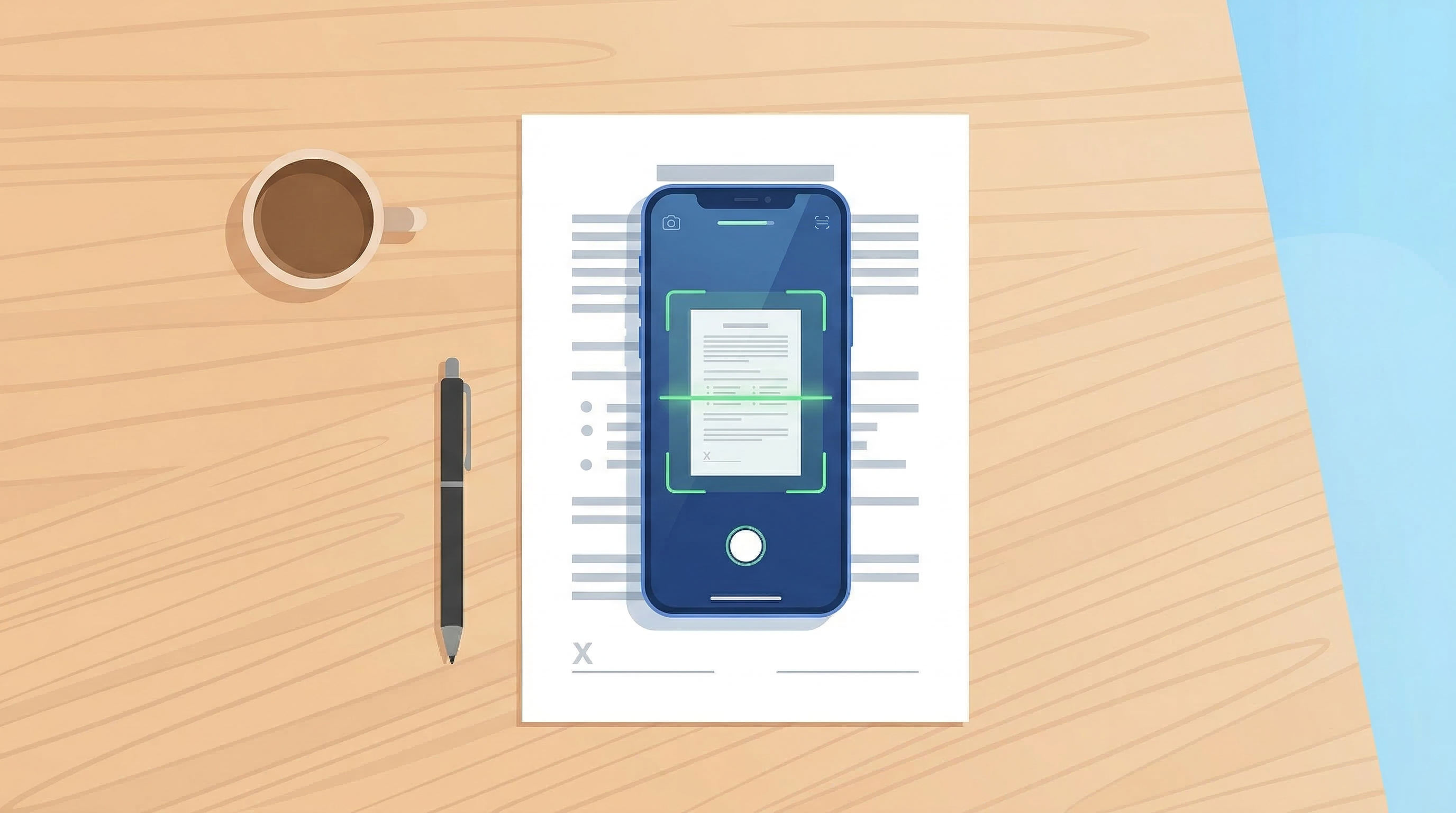
How to Scan Documents with Your Phone in 2026
Learn the fastest ways to scan any document with your iPhone or Android in 2026. No flatbed scanner needed — just your phone camera.
Read article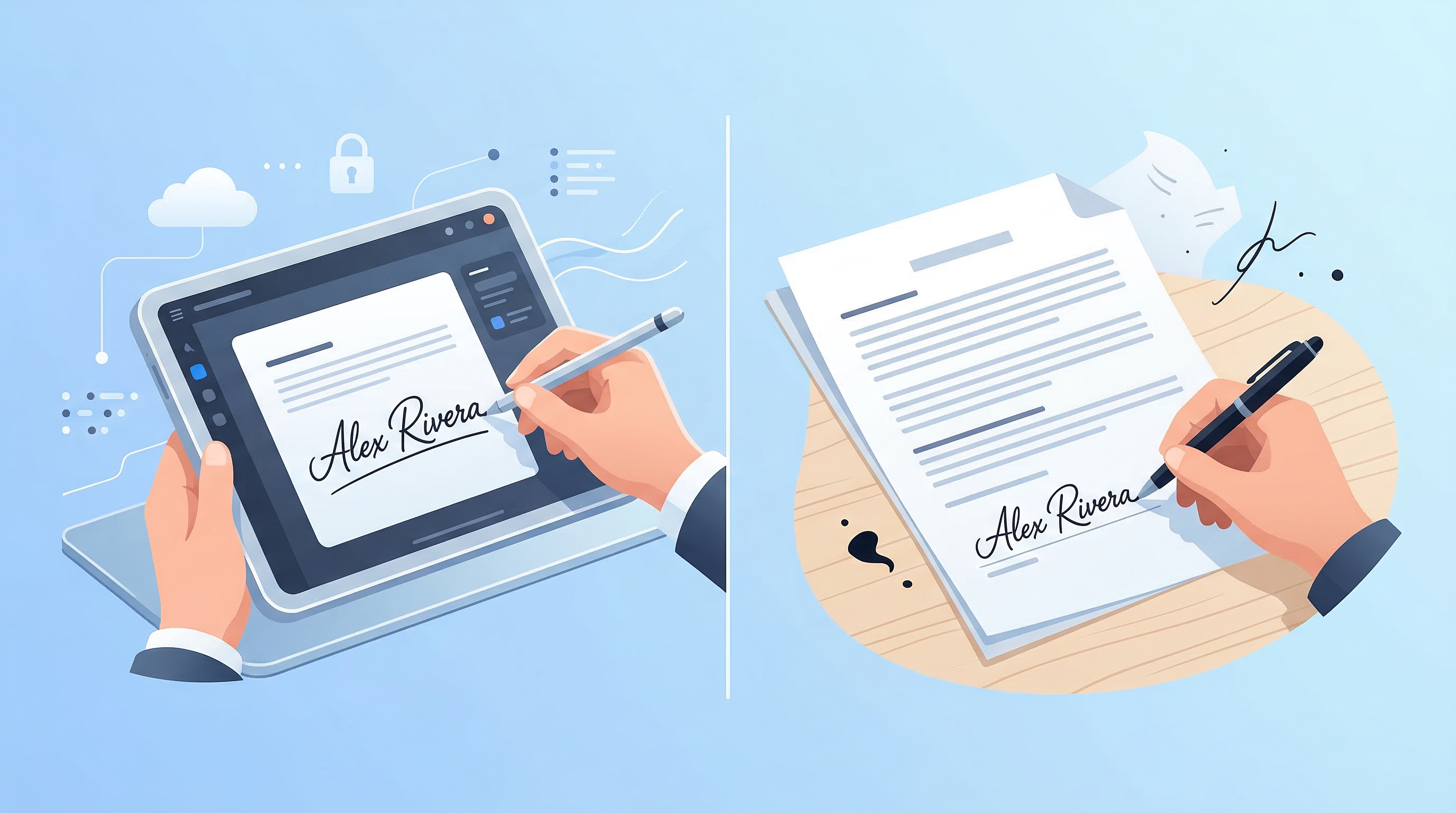
E-Signatures vs Wet Signatures: Legal Validity in 2026
Are e-signatures as legally valid as handwritten ones in 2026? Understand the law, best practices, and when each type applies.
Read article