5 Ways to Go Paperless at Home and Save Money
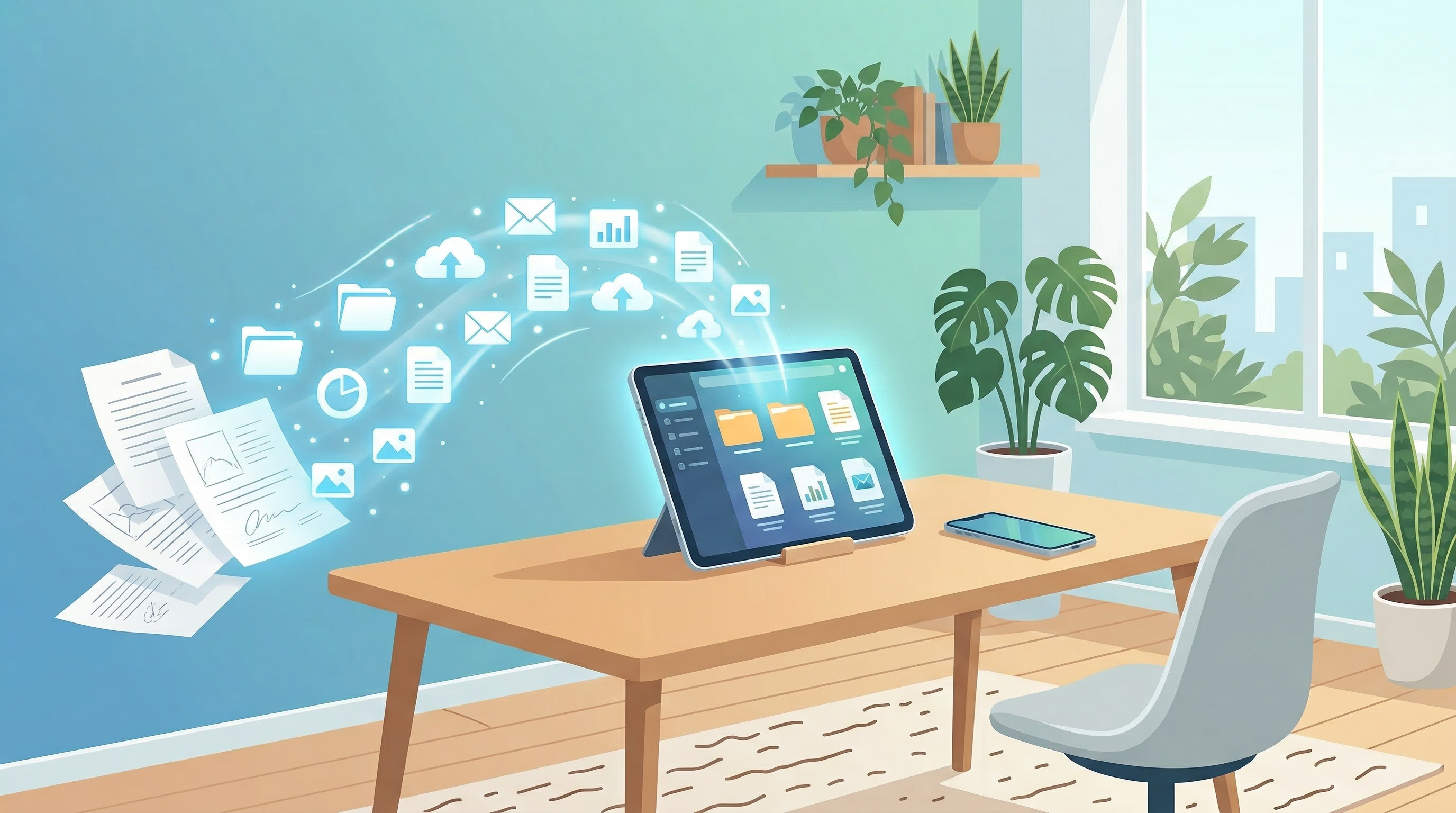
The average household accumulates hundreds of paper documents per year — bank statements, utility bills, medical records, insurance policies, tax returns, receipts, manuals. Most of it stacks up in drawers and filing cabinets until someone needs something specific and can't find it.
Going paperless solves the clutter problem, eliminates search frustration, and — once you've set it up — genuinely saves money. Here's how to do it in five practical steps.
The Real Cost of Paper at Home
Before the how, the why:
- Printer ink is one of the most expensive liquids by volume. Even occasional home printing adds up significantly over a year.
- Physical storage — filing cabinets, folders, boxes — costs money and takes space.
- Lost documents cost real money: missing a warranty receipt, losing a tax document, or misplacing insurance paperwork leads to fees, delays, and stress.
- Environmental cost — the average American office uses 10,000 sheets of paper per year; households contribute meaningfully too.
The paperless transition has upfront effort but ongoing returns.
Way 1: Digitize All Incoming Mail Immediately
Paper arrives at your door every day. The default behavior is to leave it on a counter "for later." The paperless behavior is: open, decide, act, scan, recycle.
The three-step rule:
- Open mail the day it arrives.
- If it requires action (a bill, a form), handle it immediately or schedule it.
- Scan anything worth keeping; recycle or shred the rest.
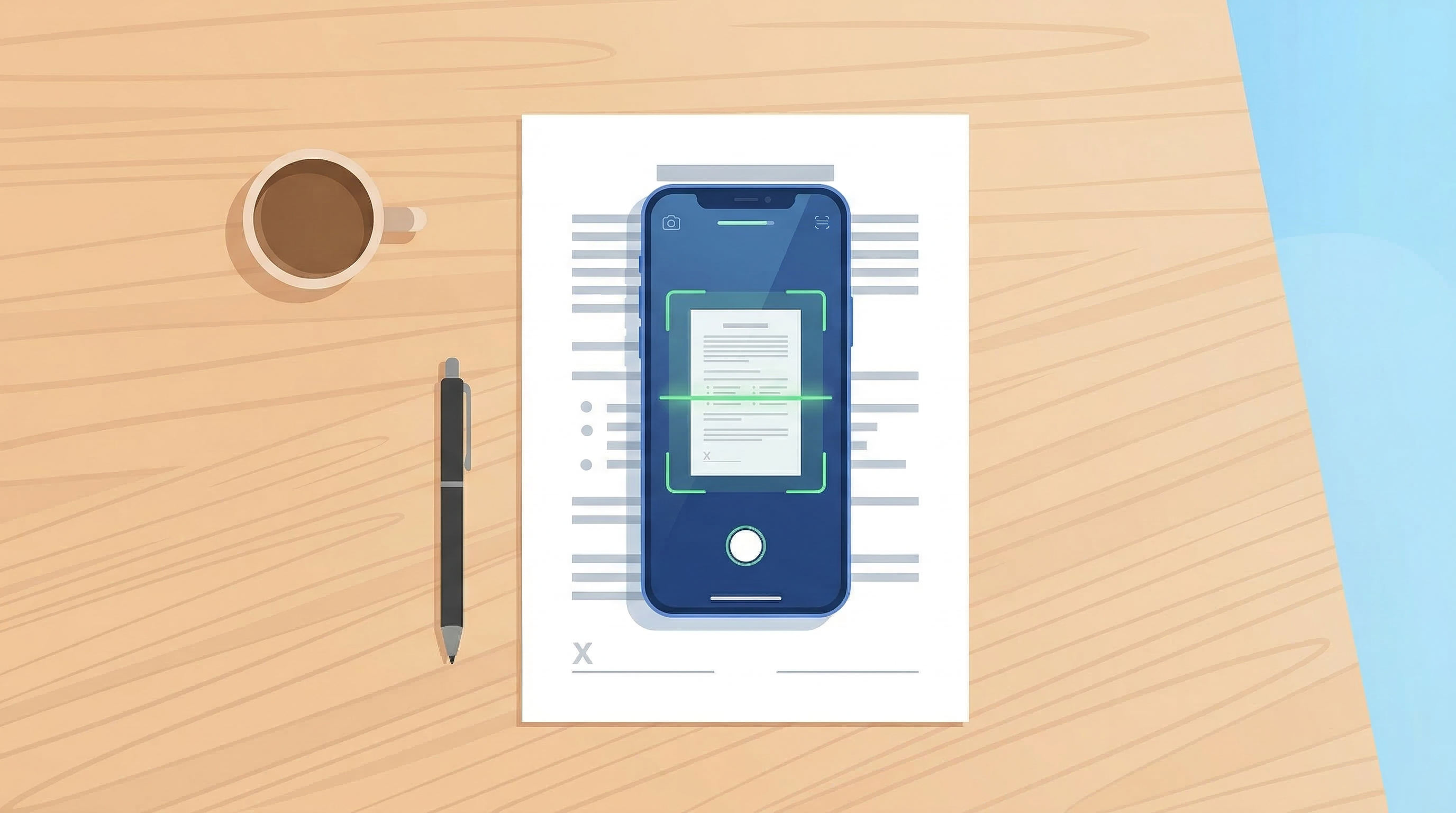
A mobile app like PDF Scan Fast makes this fast enough to do at the kitchen counter. Scan takes 10 seconds, file it, done.
For truly paperless mail, opt into electronic statements from every provider that offers them — banks, utilities, insurance companies, government services. Most now offer e-statements by default.
Way 2: Switch to Electronic Billing and Statements
This is the highest-leverage single change you can make:
- Bank statements — Log into your bank's website and enable e-statements. Most banks have offered this for a decade but still default to paper for customers who haven't changed the setting.
- Utility bills — Electricity, gas, water, internet, and phone providers all offer e-billing. Enable autopay with email confirmation and you'll never open a paper bill again.
- Insurance — Policy documents, renewal notices, and claim paperwork can all be handled digitally.
- Tax documents — W-2s, 1099s, and tax return transcripts are available digitally from most employers and the IRS.
Time investment: about 2 hours to switch all accounts. Ongoing benefit: zero paper bills, every month, forever.
Way 3: Create a Simple Home Document Archive
Paperless only works if the digital archive is organized. A messy digital system is no better than a messy filing cabinet.
Recommended home folder structure:
Home Documents/
├── Finance/
│   ├── Bank Statements/
│   ├── Tax Returns/
│   └── Receipts/
├── Insurance/
│   ├── Health/
│   ├── Auto/
│   └── Home/
├── Medical/
├── Home & Property/
│   ├── Mortgage or Lease/
│   └── Warranties/
├── Vehicles/
└── Personal/
    ├── Passports & IDs/
    └── Education/
Keep it simple — you don't need a complex system. You need one that you'll actually maintain.
Pair your folder structure with a scanning app that supports Smart Folders and OCR search (PDF Scan Fast does both), and you can find any document in seconds without memorizing exactly where you filed it.
Way 4: Scan and Shred (or Keep) Physical Documents
For existing paper archives, a digitization weekend pays dividends for years.
Process:
- Gather everything: dig out old files, boxes, drawers.
- Sort into three piles: Keep Original, Scan & Shred, Trash.
- Scan the "Scan & Shred" pile systematically, naming files as you go.
- Shred sensitive documents (anything with your name, address, account numbers, or social security number).
- Keep originals only for documents where the physical version matters: passport, birth certificate, property deed, vehicle title.
Multi-page documents? PDF Scan Fast handles them cleanly — scan each page, the app stacks them into a single PDF.
Shredding: A cross-cut shredder is a worthwhile investment. Straight-cut shredders can be reassembled; cross-cut cannot.
Way 5: Handle Signatures Digitally
One of the last reasons people print documents is to sign them. This reason no longer exists.
Electronic signatures are legally valid for the vast majority of everyday documents — lease renewals, contractor agreements, consent forms, insurance applications. The ESIGN Act in the US and eIDAS in the EU both establish this clearly.
With PDF Scan Fast's built-in e-signature feature:
- Receive a PDF by email
- Open it in the app
- Sign with your finger or stylus
- Send back the signed document
No printer. No scanner. No ink. No paper.
For home users, the most common signing scenarios — lease renewals, contractor quotes, school consent forms, insurance forms — are all fully compatible with electronic signatures.
Estimated Annual Savings from Going Paperless
| Expense | Typical Annual Cost | Paperless Cost | |---|---|---| | Printer ink cartridges | $80–$200 | $0 | | Printer paper | $20–$50 | $0 | | Physical file storage | $20–$100 | $0 | | Lost document fees/penalties | Variable | Minimal | | Total | $120–$350+ | ~$0 |
The savings aren't enormous, but they're real — and they compound with the time saved searching for documents and the stress eliminated from maintaining a paper system.
Getting Started This Weekend
The full transition doesn't need to happen in one day. Start with the two highest-impact steps:
- Enable e-statements for all your financial accounts this week.
- Download a scanner app and scan every document that comes in the door going forward.
That alone stops the accumulation. Then tackle the existing paper archive in stages — one folder per weekend until it's done.
The destination is a home where every document you've ever kept is searchable, backed up, and retrievable in seconds from your phone. That's entirely achievable with a few hours of setup.
Try PDF Scan Fast Free
Scan, sign, and organize your documents in seconds. Available on iOS and Android.
Related Articles
How to Scan Documents with Your Phone in 2026
Learn the fastest ways to scan any document with your iPhone or Android in 2026. No flatbed scanner needed — just your phone camera.
Read article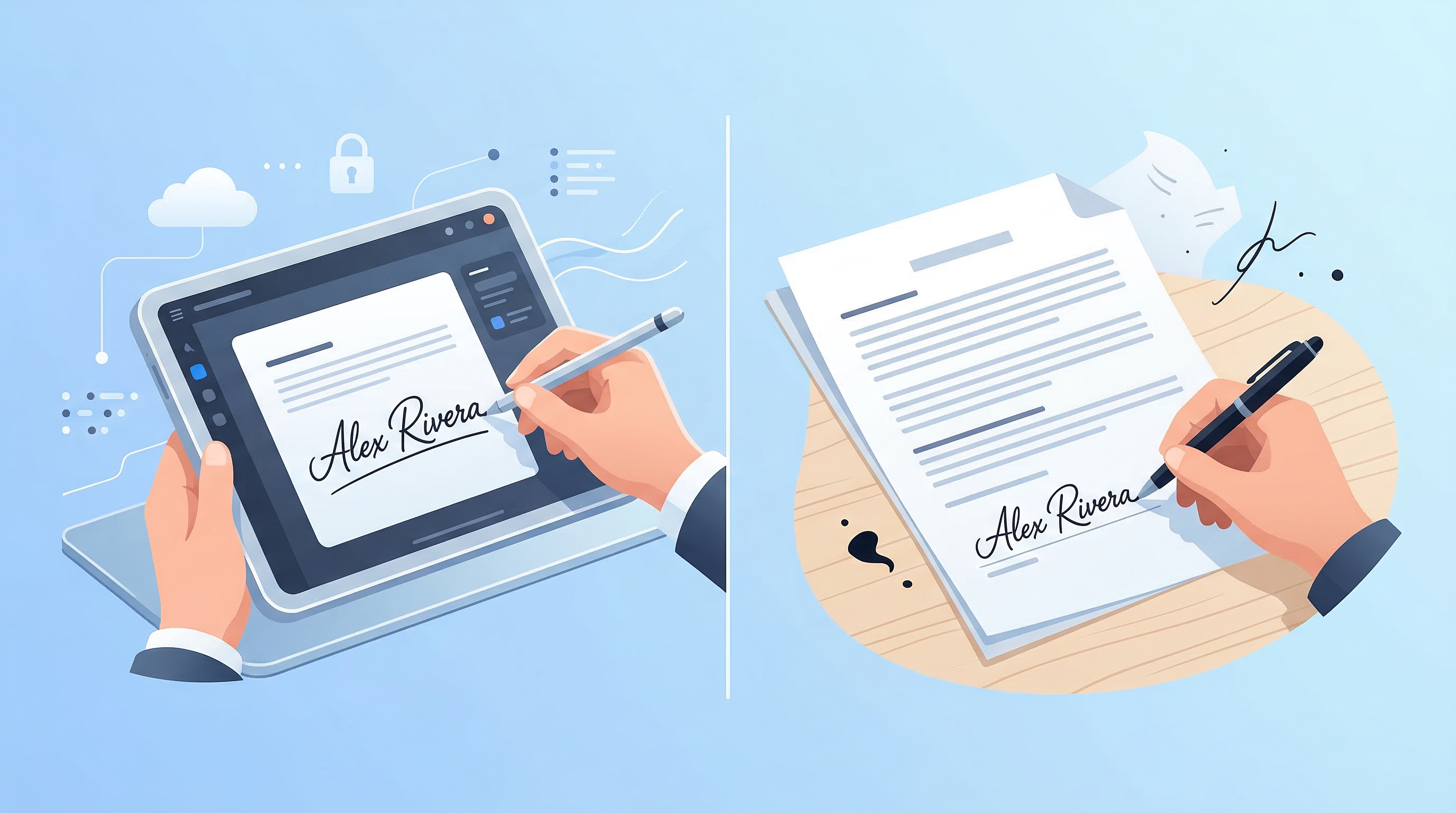
E-Signatures vs Wet Signatures: Legal Validity in 2026
Are e-signatures as legally valid as handwritten ones in 2026? Understand the law, best practices, and when each type applies.
Read article