Document Retention for Small Business: How Long to Keep Records (and How to Store Them as PDFs)
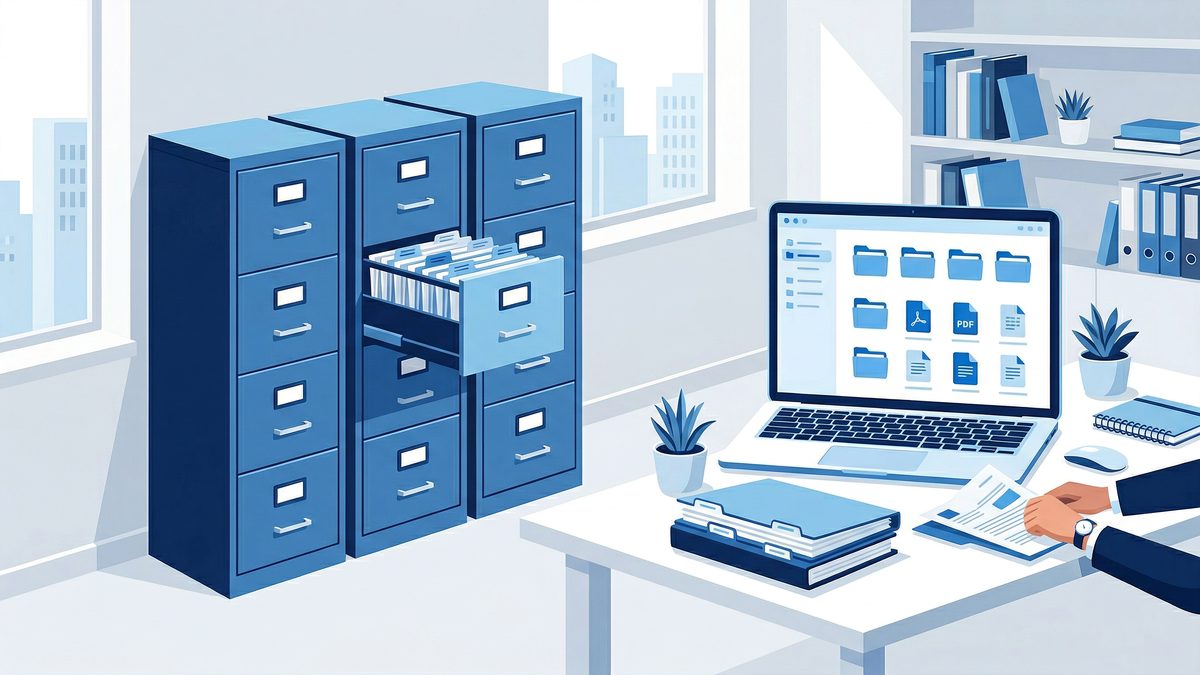
If you run a small business, paperwork has a sneaky way of piling up. Invoices. Contracts. Receipts. Bank statements. Vendor forms. Employee documents. Soon you have a cabinet full of “just in case” folders — and you still can’t find the one document you need.
A simple document retention system solves two problems at once:
- It reduces risk (you keep what you should, for as long as you should).
- It saves time (you can retrieve records fast — especially when they’re searchable PDFs).
This guide gives you a practical approach to document retention for small business, including common timelines, a straightforward folder-and-file naming system, and an easy scanning workflow you can start today.
Important note (before we talk timelines)
Record retention rules can vary by country, state, industry, and your specific situation. The goal of this article is to help you build a safe, organized default system — not to replace professional legal or tax advice.
What “document retention” actually means
A document retention plan answers four questions:
- What documents should we keep?
- How long should we keep them?
- Where should we store them (and who can access them)?
- How should we dispose of them when the time is up?
Even if you are a solo freelancer, having these answers written down (one page is enough) makes you faster, more consistent, and less stressed.
How long to keep business records: a practical baseline
Most small businesses can start with a “good enough” baseline retention schedule and then adjust for their industry.
Tax records: what the IRS generally recommends (U.S.)
For U.S. federal taxes, the IRS explains that you generally keep records that support income, deductions, or credits for 3 years, with several common exceptions (for example, 6 years in certain underreporting situations, 7 years for certain loss claims, and longer/indefinite periods for no return or fraud). See the IRS guidance on how long to keep records for the details and exceptions.
Practical takeaway:
- Keep tax returns and supporting documents for at least 3 years.
- Keep some supporting records for 6–7 years depending on circumstances.
- Keep property/basis-related records until you dispose of the asset, plus the limitations period for that disposal year.
If you work with a tax professional, ask them for a simple “keep list” for your business — then save that list in your retention policy.
Business and operational records (common practice)
Here are typical categories to include in your retention plan:
Keep for 7 years (common, conservative default)
- Expense receipts and reimbursements (scan and file immediately — thermal receipts fade within months)
- Vendor invoices and bills (accounts payable support)
- Customer invoices and payment records (accounts receivable support)
- Bank statements and reconciliations
- Credit card statements
- Year-end financial reports you rely on (profit/loss statements, etc.)
Why 7? Many businesses use 7 years as a conservative default because it covers many tax and bookkeeping needs and is easy to apply consistently.
Keep for the life of the business (or “permanent”)
- Formation documents (articles of incorporation/organization, operating agreements)
- Ownership and equity records
- Major contracts that define long-term obligations (use legally valid e-signatures to ensure contracts are properly executed and auditable from the start)
- Intellectual property documents
- Insurance policies (often for the policy life plus additional time)
Keep as long as active, then archive (often 3–7 years)
- Active customer contracts and statements of work
- Project files that might matter for disputes or warranty periods
- Vendor agreements
Employment records (if you have employees)
Employment and payroll retention varies widely by jurisdiction. If you have employees, treat HR records as a separate section of your retention plan, and store them with tighter access controls than general business documents.
Paper vs digital: do you have to keep the original?
For many workflows, a clear, complete, well-organized PDF is enough — and the benefits of going paperless go beyond just easier retrieval. The big risk isn’t paper vs digital — it’s keeping an incomplete scan, losing context, or saving a file you can’t locate later.
A good digital retention system has:
- High-quality scans (legible, properly cropped)
- A consistent naming convention
- A predictable folder structure n- A backup plan
- Access controls (especially for sensitive files)
The simplest document retention workflow (scan → name → file → back up)
If your process is complicated, it won’t stick. Here’s a lightweight workflow you can run in 10 minutes a day.
Step 1: Decide your “intake points”
Pick one place where new documents enter your system:
- A physical inbox tray for paper
- A dedicated email label/folder for invoices/receipts
- A shared cloud folder like “00_INBOX”
The goal is to eliminate “random places” where documents land.
Step 2: Scan to PDF immediately (your future self will thank you)
Receipts fade. Paper gets lost. The best time to capture a record is when you receive it, not during month-end chaos.
Use a mobile scanning tool like PDF Scan Fast to turn paper documents into clean PDFs in seconds. Our guide to scanning documents with your phone covers every technique for clean, professional results.
Scanning checklist:
- Use bright, even light
- Make sure all edges are visible
- Scan multi-page documents as one PDF
- Confirm totals, dates, and names are readable
If you want a deeper scan workflow, see our guide on scanning multi-page documents into one PDF.
Step 3: Name files so they sort automatically
File names are your “metadata” when you don’t have a full document management system.
A simple naming pattern that works for most small businesses:
YYYY-MM-DD_VendorOrClient_DocType_AmountOrProject.pdf
Examples:
- 2026-04-02_AcmeHosting_Invoice_129.00.pdf
- 2026-03-15_JohnsonLLC_Contract_SOW.pdf
- 2026-01-31_Bank_Checking_Statement.pdf
If you struggle with naming consistency, read: How to name scanned PDF files so you can find anything in seconds.
Step 4: File it into a predictable folder structure
Avoid overthinking folders. Our guide to organizing digital documents like a pro has a complete framework you can adapt. You can start with just 6–10 top-level folders.
A practical structure:
- 01_Taxes
- 2026
- 2025
- 02_Banking
- 03_Sales-Invoices
- 04_Expenses-Receipts
- 05_Legal-Contracts
- 06_Employees (restricted)
- 07_Insurance
- 99_Archive
Tip: If you work with an accountant or bookkeeper, mirror the way they think about documents.
Step 5: Make PDFs searchable with OCR
The difference between “stored” and “usable” is search. OCR technology is what makes scanned PDFs fully searchable — without it, you have an archive of unsearchable images.
If your PDFs are OCR’d, you can search for:
- Vendor names
- Invoice numbers
- Patient IDs (healthcare: be careful with access)
- Contract clauses
- Line items
Many scanning apps can apply OCR automatically. If your scan tool supports it, enable OCR by default for business documents.
Step 6: Back up using the 3-2-1 mindset
A simple, reliable approach:
- Keep your working files in a cloud drive (so you can access them anywhere)
- Keep at least one additional backup (external drive or a second cloud backup)
- Make sure you can restore files quickly
A mini retention checklist (copy/paste)
Use this as a starting point for your policy document:
- [ ] Tax returns + supporting records: keep at least 3 years (often longer)
- [ ] Receipts and expense support: keep 7 years
- [ ] Bank statements and reconciliations: keep 7 years
- [ ] Contracts and formation documents: keep permanently
- [ ] Property/asset records (basis, depreciation): keep until disposed + limitations period
- [ ] Old files past retention: securely delete/shred on a schedule
Secure disposal: shredding and digital deletion
Retention isn’t just about keeping records — it’s also about deleting them responsibly. Follow mobile document security best practices for guidance on access controls and secure deletion alongside your retention policy.
- Paper: use a cross-cut shredder (or a secure shredding service if you handle sensitive data)
- Digital: delete from your drive and your trash/recycle bin, and follow any company/device policies
If you operate in a regulated industry (healthcare, legal, finance), disposal rules may be more specific.
When you should upgrade to a document management system
A folder-based system is enough for many small businesses. Consider a document management system when:
- Multiple people need access with permissions
- You need approval workflows
- You manage high volumes of documents (hundreds per month)
- You need audit trails
Until then, you can get 80% of the benefit from consistent scanning + naming.
Quick start: your 30-minute setup plan
- Create your top-level folders.
- Pick your naming convention.
- Decide your intake points.
- Scan your next 10 documents with PDF Scan Fast and file them immediately.
- Put a recurring reminder on your calendar: “inbox to archive” (10 minutes).
CTA: make document retention painless
If you want a faster way to build a searchable, organized record system, start by scanning paper into clean PDFs with PDF Scan Fast. Turn receipts, contracts, and statements into PDFs you can actually find later — without the “scan001.pdf” chaos.
Try PDF Scan Fast today, set up your folders once, and make paperwork a background task.
Try PDF Scan Fast Free
Scan, sign, and organize your documents in seconds. Available on iOS and Android.
Related Articles
How to Fax From Your Phone in 5 Minutes (2026 Guide)
No fax machine needed. Learn the fastest ways to fax from iPhone or Android, plus tips to send clean PDFs that won’t get rejected.
Read articleHow to Scan a Document for Free (Phone, PC, and Without a Scanner) — 2026 Guide
Need to scan paperwork but don’t want to pay for an app or buy a scanner? Here are the fastest free ways to scan to PDF on iPhone, Android, Windows, and Mac—plus tips to make your scans look professional.
Read article