How to Fax From Your Phone in 5 Minutes (2026 Guide)
No fax machine needed. Learn the fastest ways to fax from iPhone or Android, plus tips to send clean PDFs that won’t get rejected.
How to Scan a Document for Free (Phone, PC, and Without a Scanner) — 2026 Guide
Need to scan paperwork but don’t want to pay for an app or buy a scanner? Here are the fastest free ways to scan to PDF on iPhone, Android, Windows, and Mac—plus tips to make your scans look professional.
Best Free Scanner App (2026): 7 Top Picks to Scan to PDF Fast
Looking for the best free scanner app? Compare 7 popular options for iPhone and Android, plus practical tips to scan cleaner PDFs, reduce file size, and share documents fast in 2026.
Scan a Document for Free: 9 Fast Ways on iPhone, Android, and Desktop (2026)
Need to scan paperwork but don’t have a scanner? Here are 9 genuinely free ways to scan to PDF on iPhone, Android, Windows, and Mac—plus tips to make your scans look professional.
How to Scan Documents on iPhone in 30 Seconds (2026 Guide)
Turn paper into a clean PDF using your iPhone in under a minute—no scanner required. This step-by-step guide covers the built-in Notes scanner, best settings, and easy ways to share or sign your PDF.
How to Scan to PDF (Phone or Computer): The Fast, Free 2026 Guide
Want a clean PDF scan without buying a scanner? Here are the fastest free ways to scan to PDF on iPhone, Android, Windows, and Mac—plus pro tips for sharp, readable results.
How to Scan a Document on iPhone (3 Free Ways, 2026 Guide)
Need to scan paperwork fast? Here are 3 free ways to scan a document on iPhone and turn it into a clean PDF you can email, upload, or sign in minutes.
How to Convert an Image to PDF on iPhone (Free Methods That Work in 2026)
Need to turn a photo into a PDF fast? Here are the best free ways to convert an image to PDF on iPhone (plus tips to make it look like a real scan).
Scan to PDF on iPhone: Notes App vs a Scanner App (2026 Guide)
Not sure whether to scan with the iPhone Notes app or a dedicated scanner app? This guide compares quality, OCR, organization, and sharing—plus a simple workflow for reliable PDFs.
How to Reduce Scanned PDF File Size (Without Losing Quality)
Scanned PDFs can get too large to email or upload, especially from phones. Here are the best scan settings and simple fixes to shrink scanned PDFs while keeping text crisp and readable.
How to Create a Multi-Page PDF from Your Phone (iPhone & Android) — Without Re-Scanning
Learn how to combine multiple page scans or photos into a single, clean PDF on iPhone or Android—plus tips for page order, OCR, and file size.
How to Scan Documents to PDF and Upload to Google Drive (iPhone & Android)
Learn how to scan paper documents into clean, searchable PDFs on your phone and upload them to Google Drive in seconds. Includes iPhone and Android step-by-step workflows, file-naming tips, and organization best practices.
How to Scan an ID or Passport to PDF (Without Getting Rejected)
Learn the exact settings and steps to scan passports and ID cards into a clear, compliant PDF—plus privacy tips and common mistakes that cause rejections.
How to Scan Documents With Your Phone for Insurance Claims (Checklist + Best Settings)
Learn how to scan and submit insurance claim documents from your phone with the right settings, file naming, and a pre-submit checklist that helps avoid rejections.
How to Scan Documents to PDF on iPhone (Notes App + Better Results)
Learn how to scan paper documents into crisp PDFs on your iPhone using the Notes app, plus pro tips for better lighting, OCR, file naming, and secure sharing.
How to Compress a Scanned PDF Without Losing Quality (Text-Still-Crisp Guide)
Scanned PDFs get huge fast—especially at high DPI or in full color. This guide shows how to shrink a scanned PDF without making text blurry, with practical settings for receipts, contracts, and multi-page documents.
How to Scan Documents to PDF on Android (Step-by-Step + Pro Tips)
Learn how to scan documents to PDF on Android with clean, readable results. This step-by-step guide covers lighting, cropping, OCR, file naming, and sharing so your scans look professional.
How to Make a Scanned PDF Searchable on Your Phone (iPhone & Android)
A scanned PDF is often just an image—until you add OCR. This step-by-step guide shows how to turn phone scans into searchable PDFs on iPhone and Android, plus tips to improve accuracy.
How to Scan Documents to PDF on Android (Clean Scans, OCR, and Sharing Tips)
Turn paper into a clean, shareable PDF using your Android phone—without blurry pages, missing corners, or huge file sizes. This step-by-step guide covers scan settings, OCR, multi-page PDFs, and simple ways to stay organized.
How to Scan Documents on iPhone to PDF and Email Them (Fast, Clean, and Professional)
Learn the fastest ways to scan documents on your iPhone, save them as a clean multi-page PDF, and email them with the right settings so they look professional every time.
How to Scan Documents for Healthcare: Insurance Cards, Forms, and Medical Records (Securely)
Learn a simple, privacy-first workflow to scan healthcare documents like insurance cards, intake forms, lab results, and medical records—then name, store, and share PDFs securely when you need them.
How to Scan Handwritten Notes to PDF (So They’re Searchable and Organized)
Learn a simple, repeatable workflow to scan handwritten notes to PDF, enhance readability, make pages searchable with OCR, and organize your files so you can find them fast.
How to Scan a Document on iPhone and Send as a PDF (Fast, Clear, and Secure)
Need to scan and send a document from your iPhone today? This guide walks you through the fastest ways to create a clean PDF, reduce file size, and share it securely—without a printer.
How to Scan Employee Onboarding Documents From Your Phone (HR-Friendly Workflow)
A practical, HR-friendly workflow for collecting, scanning, naming, and storing employee onboarding paperwork from a phone—without losing track of signatures or compliance docs.
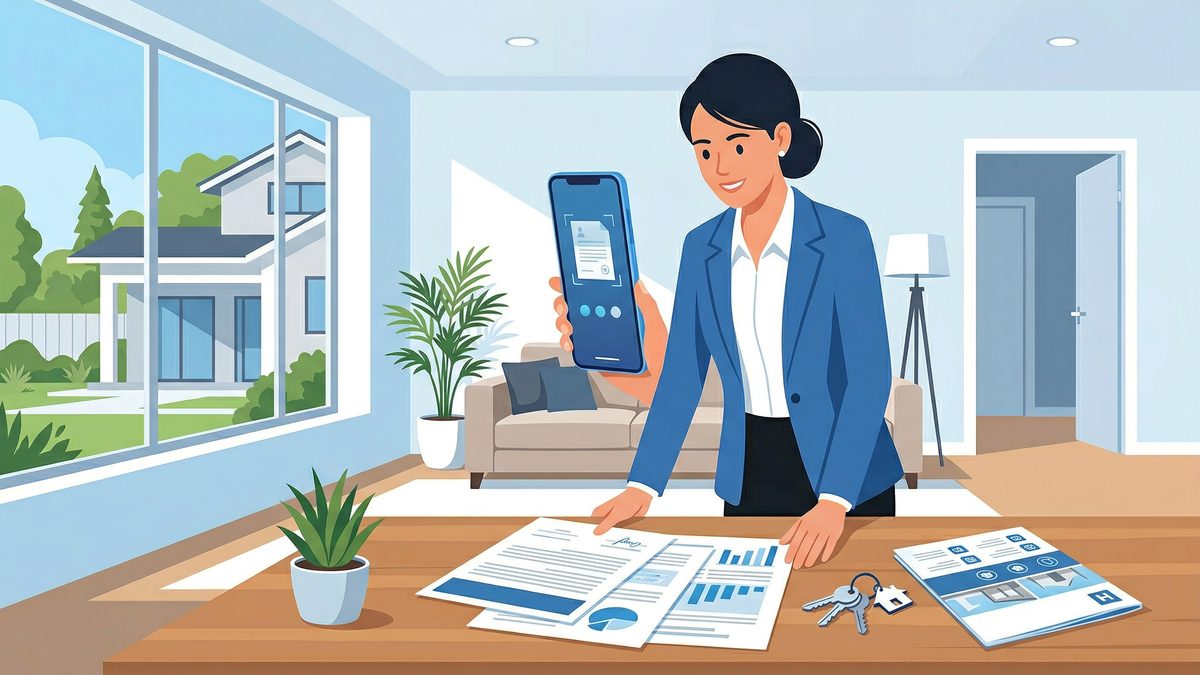
How to Scan Documents for Real Estate Listings (Fast, Clean PDFs From Your Phone)
Learn a simple, repeatable workflow to scan listing paperwork, disclosures, inspection reports, and lease documents into clean, searchable PDFs—right from your phone.
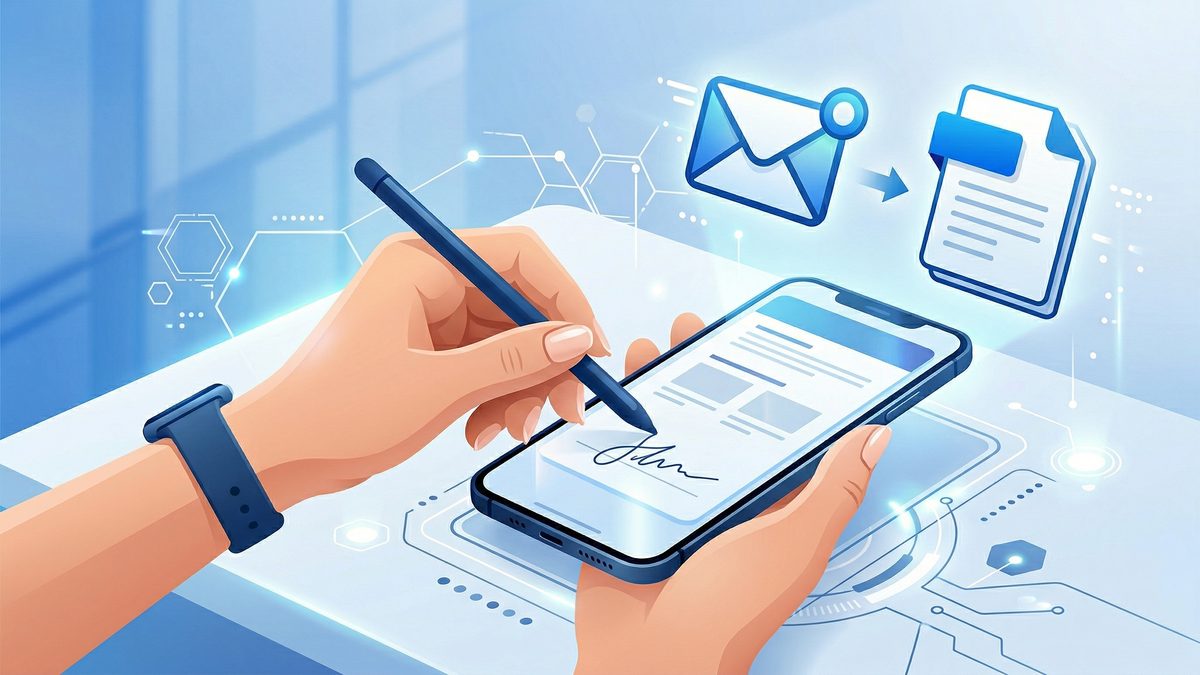
How to Scan and Email a Signed Document (iPhone, Android, and PDF Best Practices)
Need to sign a form and send it back fast? Here’s a practical, step-by-step workflow to scan, add your signature, and email a clean PDF from your phone—without printing.
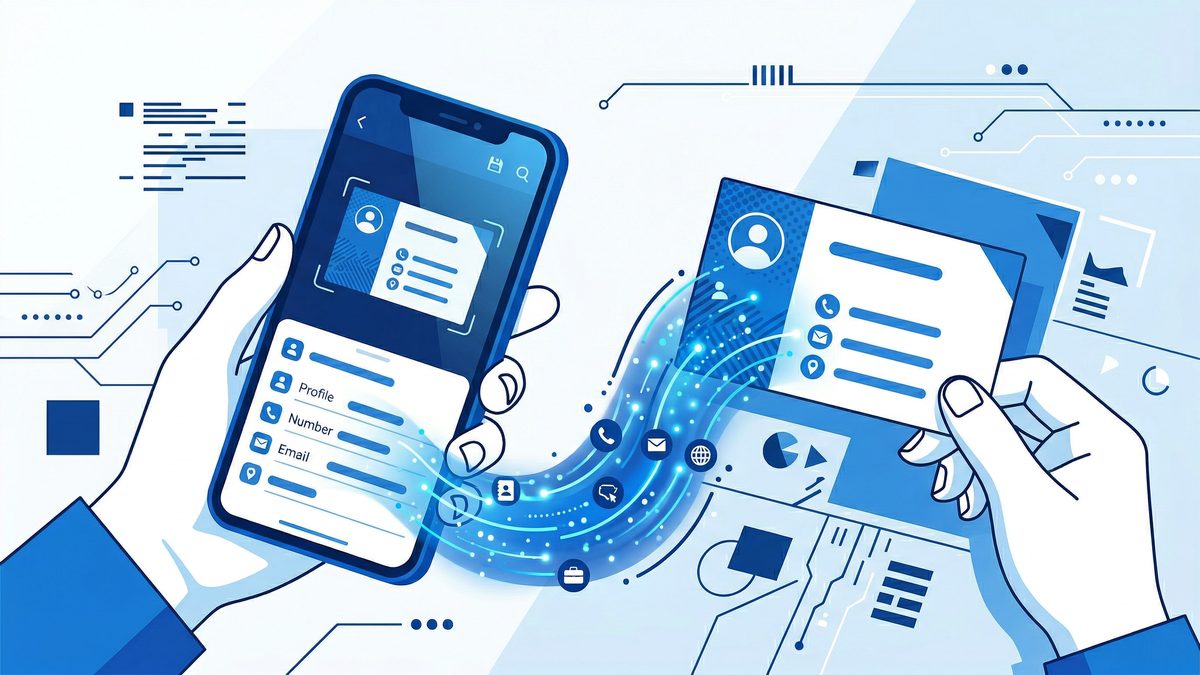
How to Scan Business Cards to Contacts on iPhone & Android (and Keep Them Organized)
Turn a stack of business cards into clean, searchable contacts in minutes. This step-by-step guide covers the best scanning workflow on iPhone and Android, plus tips to avoid OCR mistakes and stay organized.
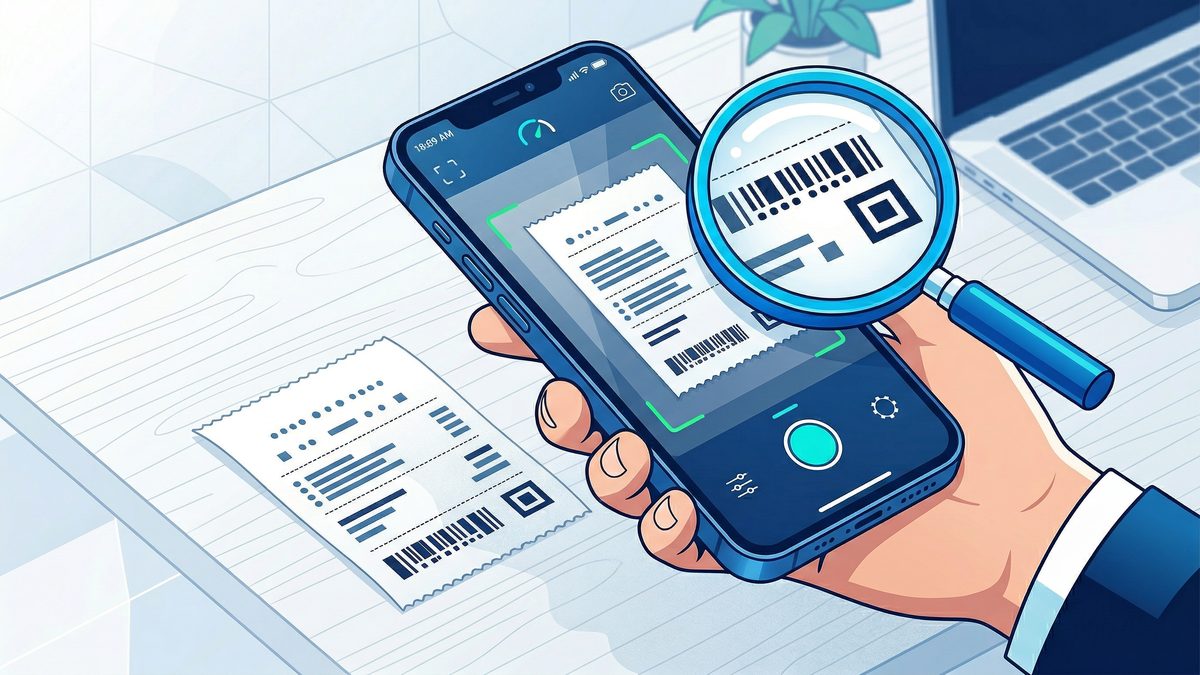
Best DPI and PDF Settings for Scanning Receipts and Small Text (So It’s Readable and Still Small)
Receipt scans often come out blurry, oversized, or impossible to OCR. This practical guide shows the best DPI, color mode, and compression settings for receipts and other small-text documents—plus a quick checklist for consistent results.
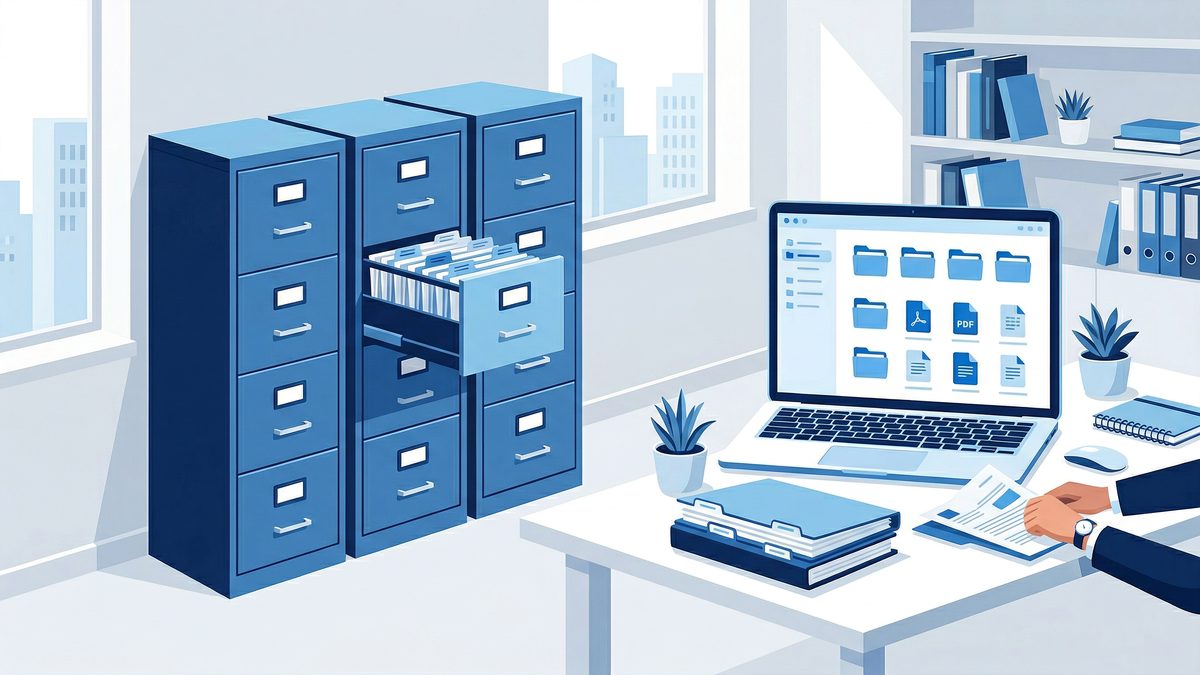
Document Retention for Small Business: How Long to Keep Records (and How to Store Them as PDFs)
Not sure what to keep, what to shred, and what to store digitally? This practical small-business document retention guide explains common timelines and shows a simple system for scanning, naming, and finding records when you need them.
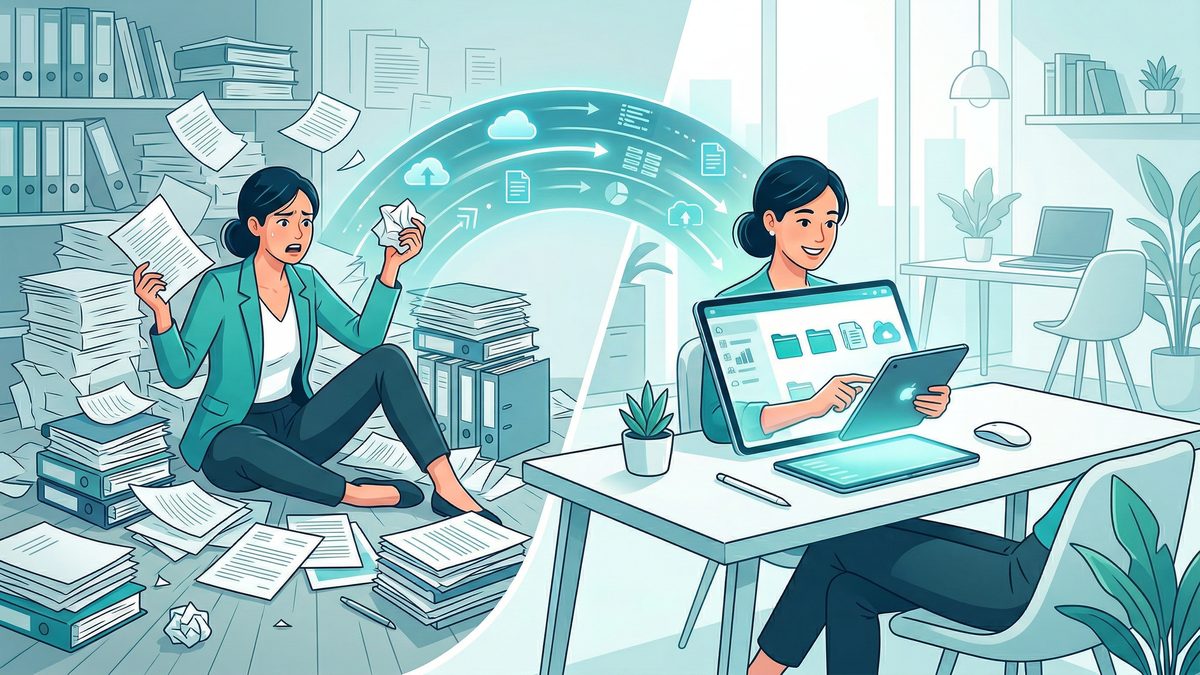
The Complete Guide to Going Paperless in 2026
Everything you need to know about going paperless in 2026 — from scanning and e-signatures to organizing, securing, and managing your digital documents.
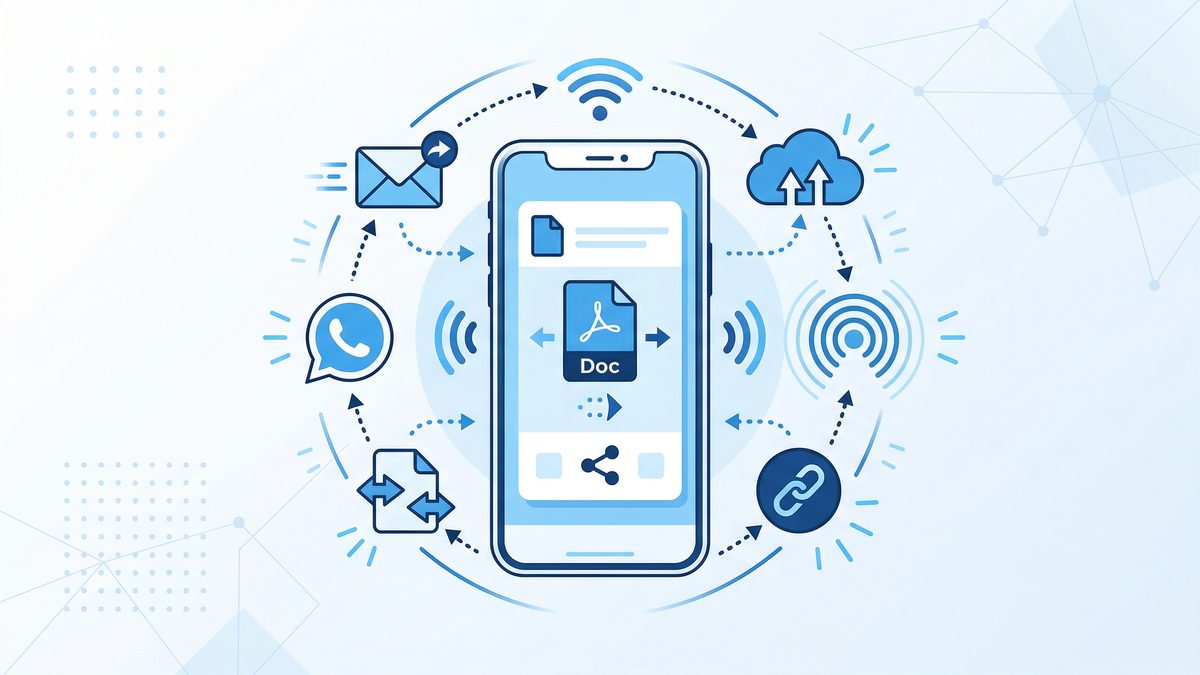
How to Scan and Send Documents from Your Phone (Email, WhatsApp, AirDrop, Drive)
Learn the fastest ways to scan a document with your phone and send it as a clean PDF via email, WhatsApp, AirDrop, or cloud storage—without losing quality or pages.

The Student's Complete Guide to Scanning Notes and Textbooks with Your Phone
Learn how to scan handwritten notes and textbook pages with your smartphone, organize your digital study library, and study smarter with OCR and cloud backup.
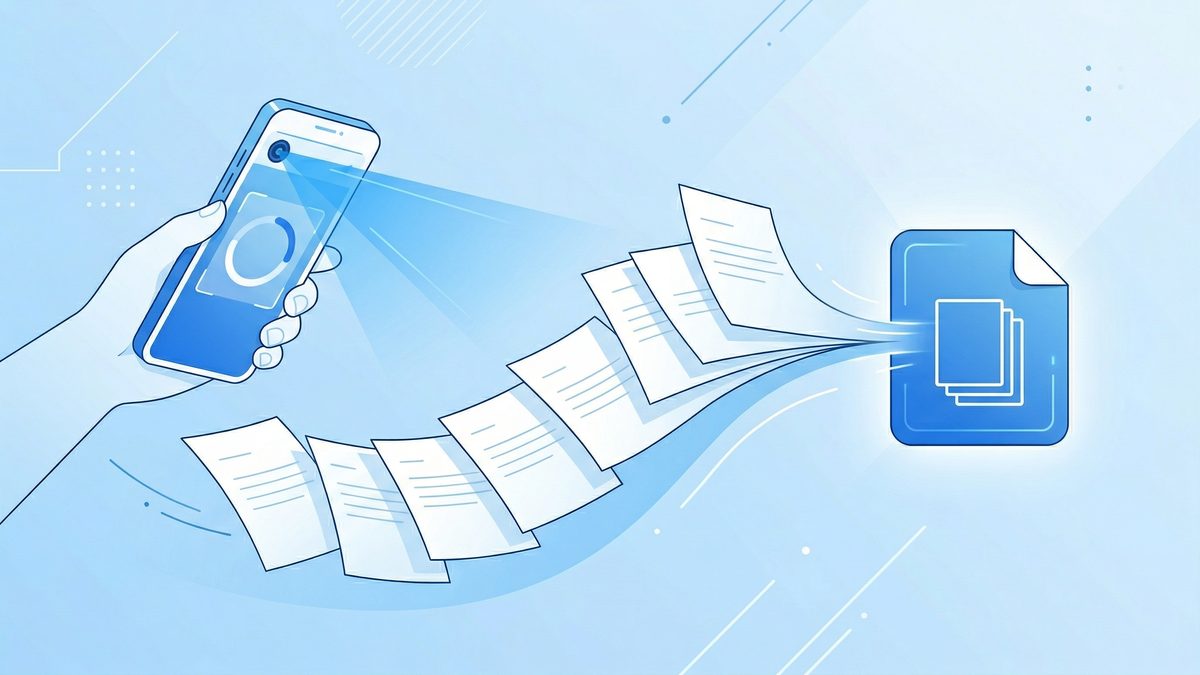
Scan Multiple Pages Into One PDF (iPhone & Android) in Under 60 Seconds
Combine multiple scans into a single PDF on your phone — no computer, no software. The exact steps for iPhone and Android.
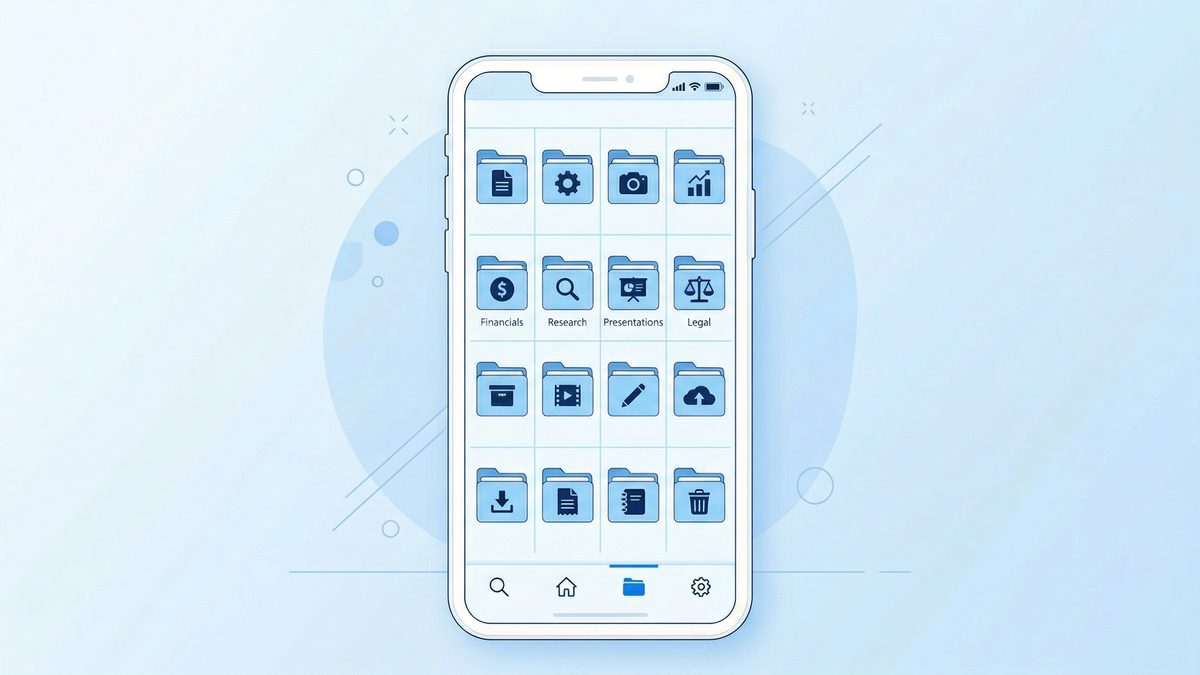
How to Name Scanned PDF Files So You Can Find Anything in Seconds
A simple, repeatable file-naming system for scanned PDFs that makes search, sorting, and sharing painless—plus templates you can copy today.
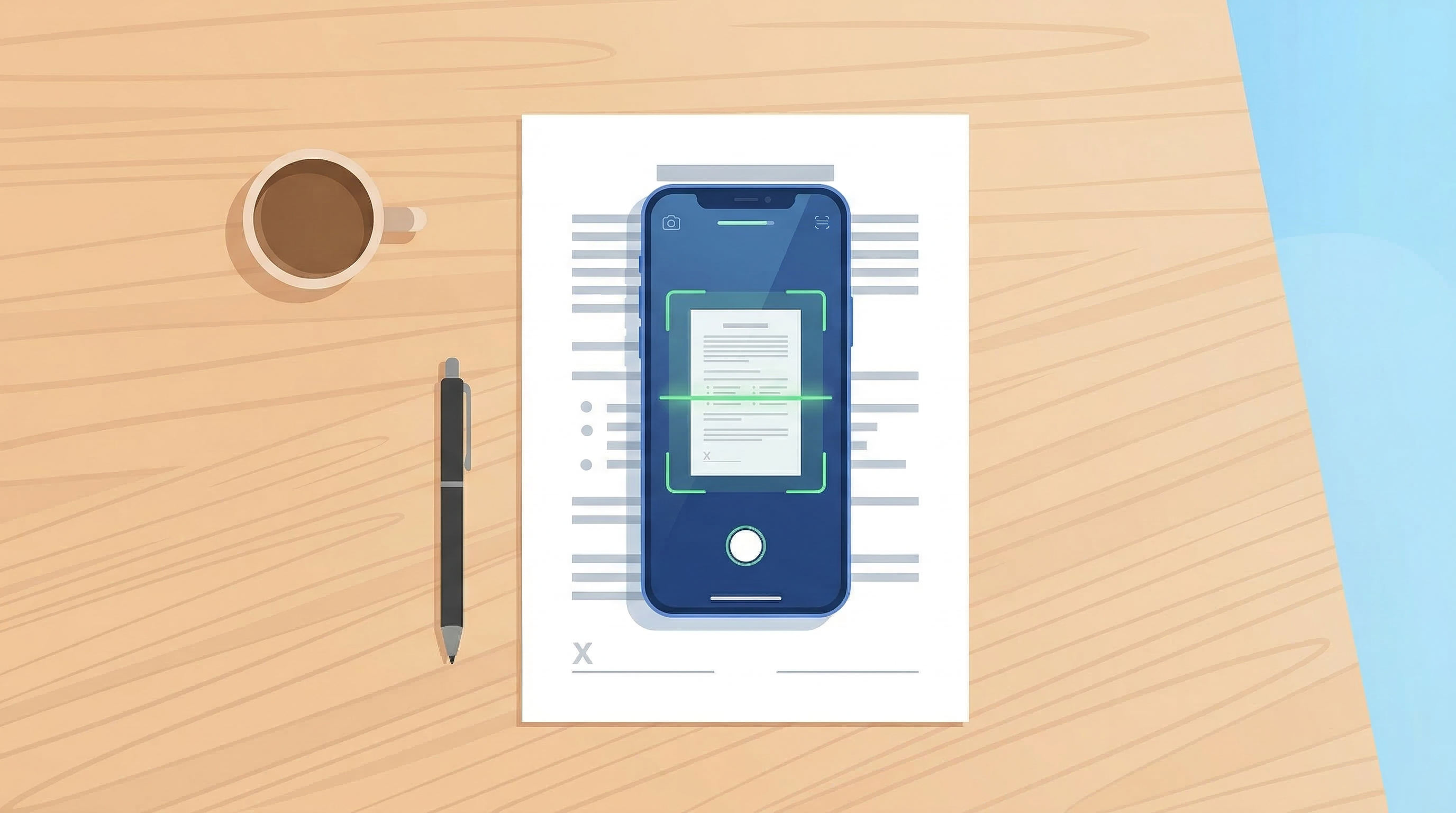
How to Scan Documents with Your Phone in 2026
Learn the fastest ways to scan any document with your iPhone or Android in 2026. No flatbed scanner needed — just your phone camera.
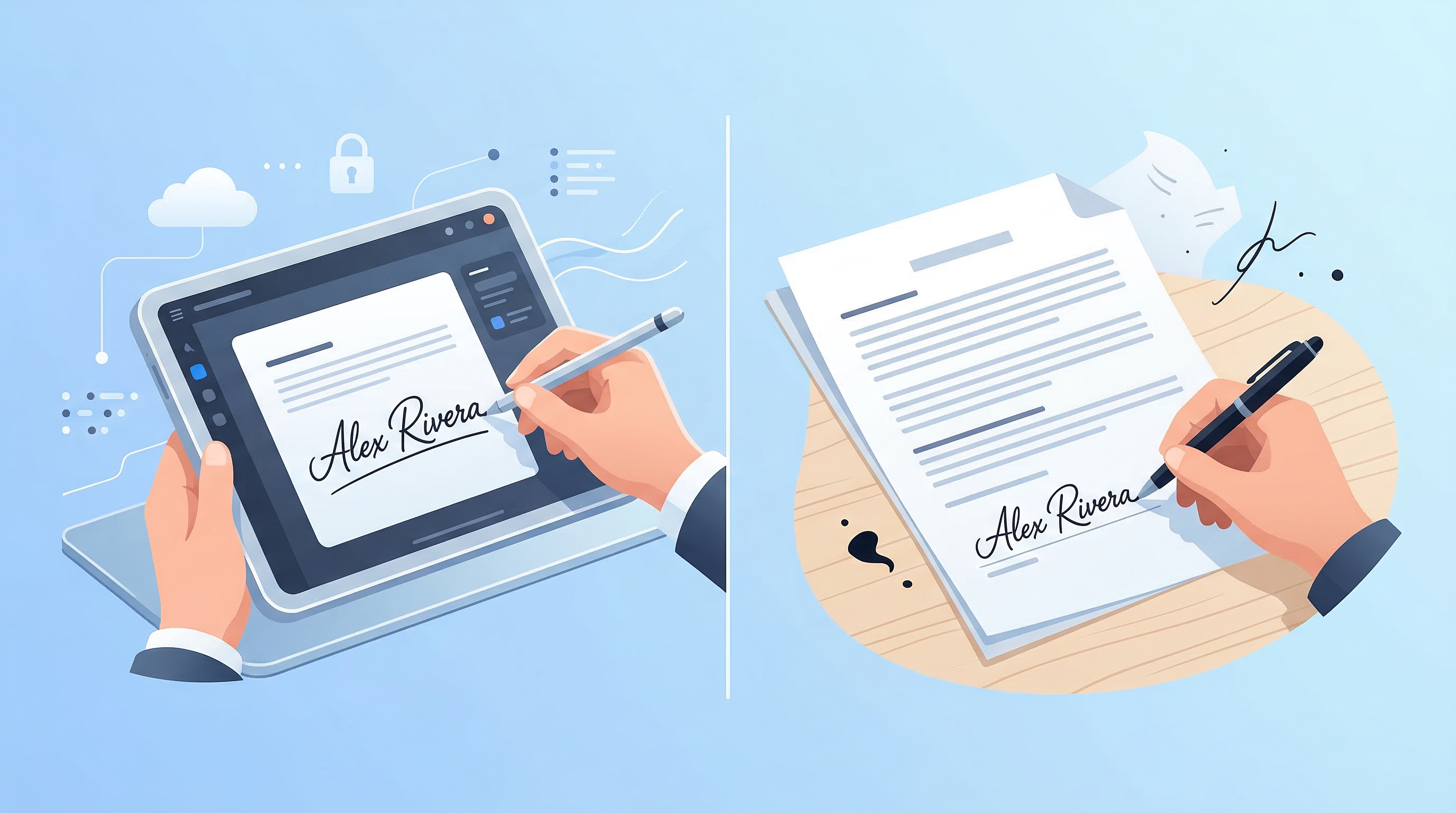
E-Signatures vs Wet Signatures: Legal Validity in 2026
Are e-signatures as legally valid as handwritten ones in 2026? Understand the law, best practices, and when each type applies.
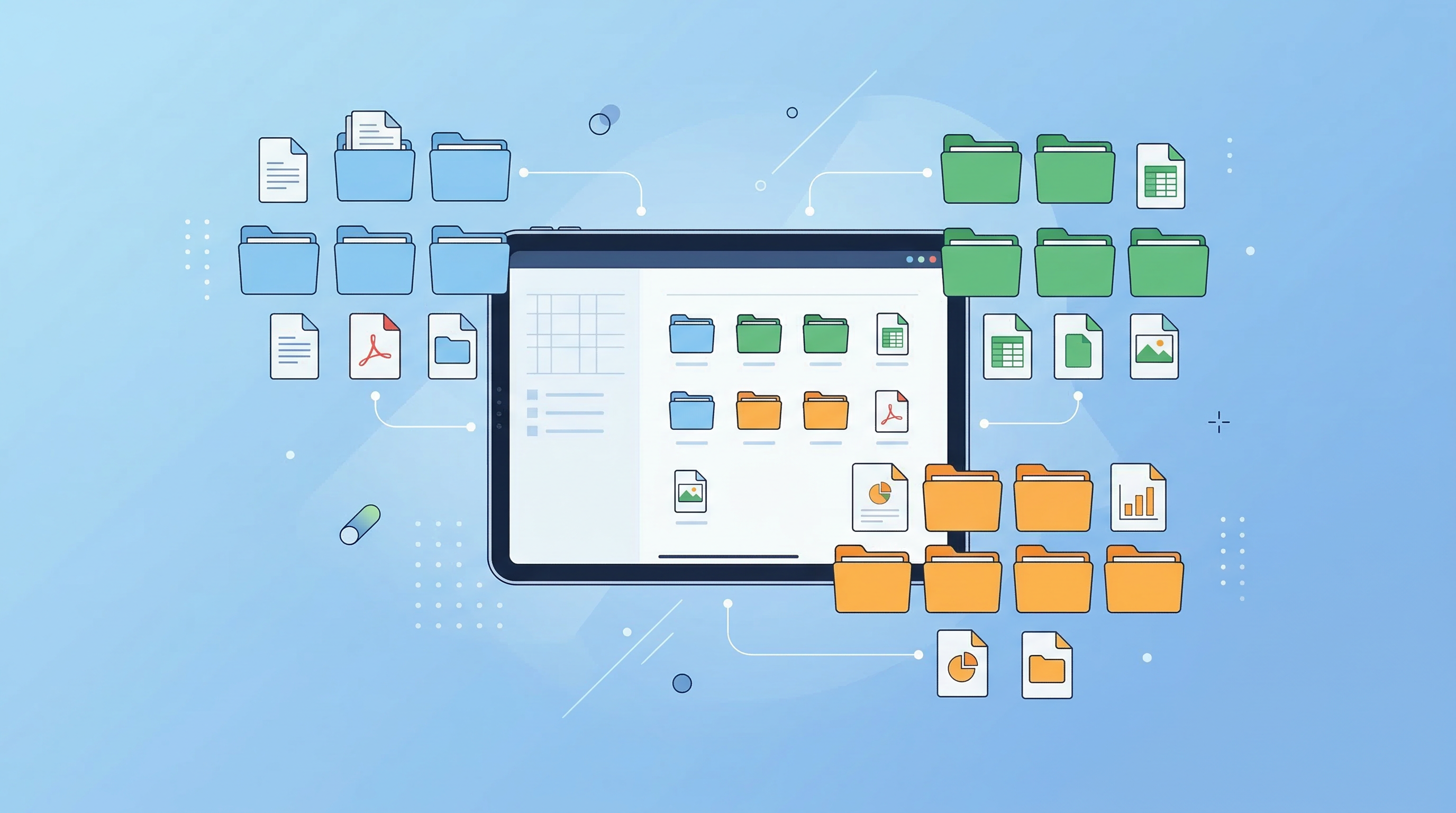
Top 10 Tips to Organize Digital Documents Like a Pro
Stop losing files. These 10 practical tips help you organize your digital documents for instant retrieval — at work or at home.
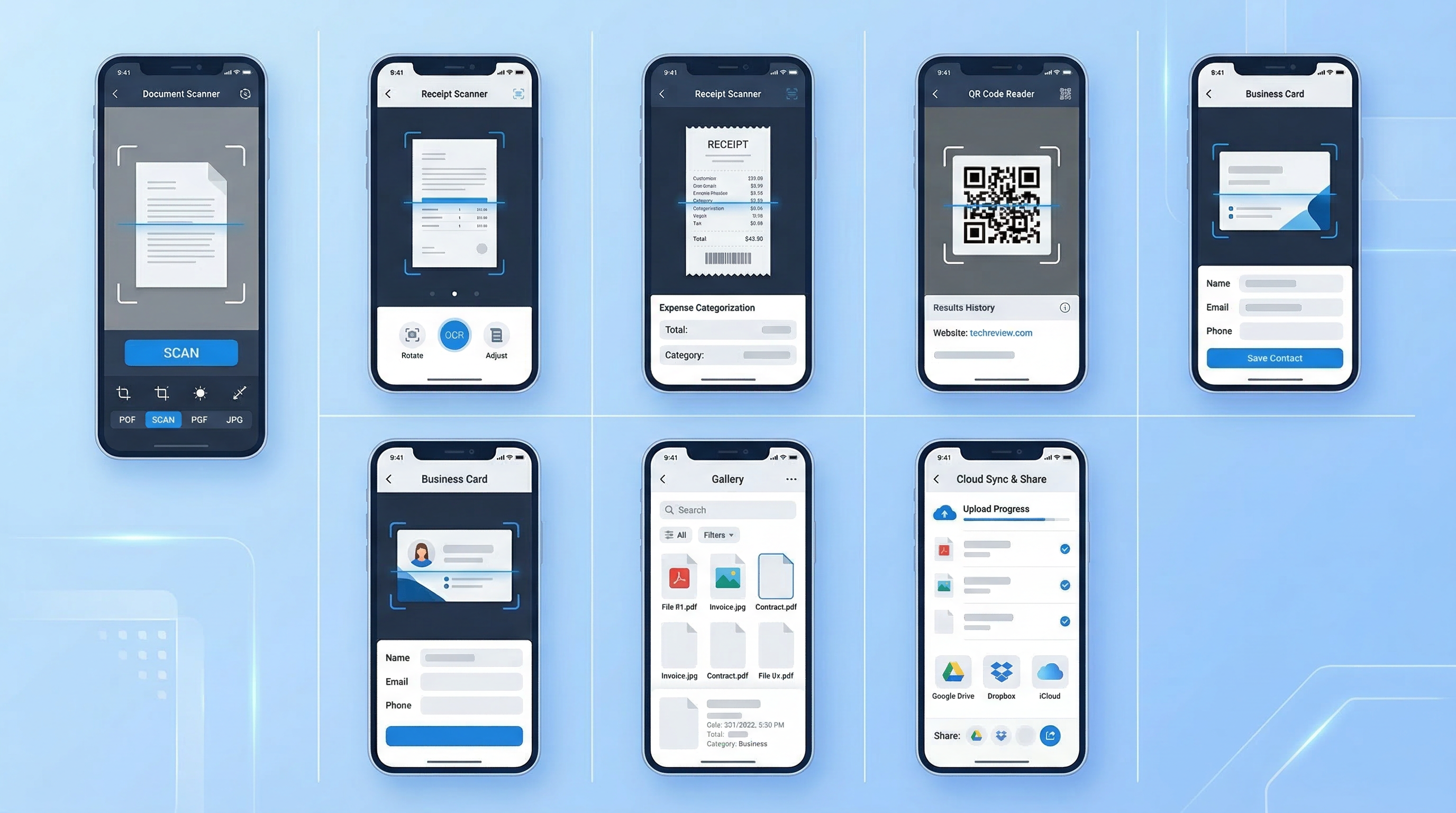
The 7 Best PDF Scanner Apps for iPhone & Android (2026 Tested)
We tested 15+ scanner apps. Here are the 7 that actually produce professional PDFs — ranked by speed, quality, and price.
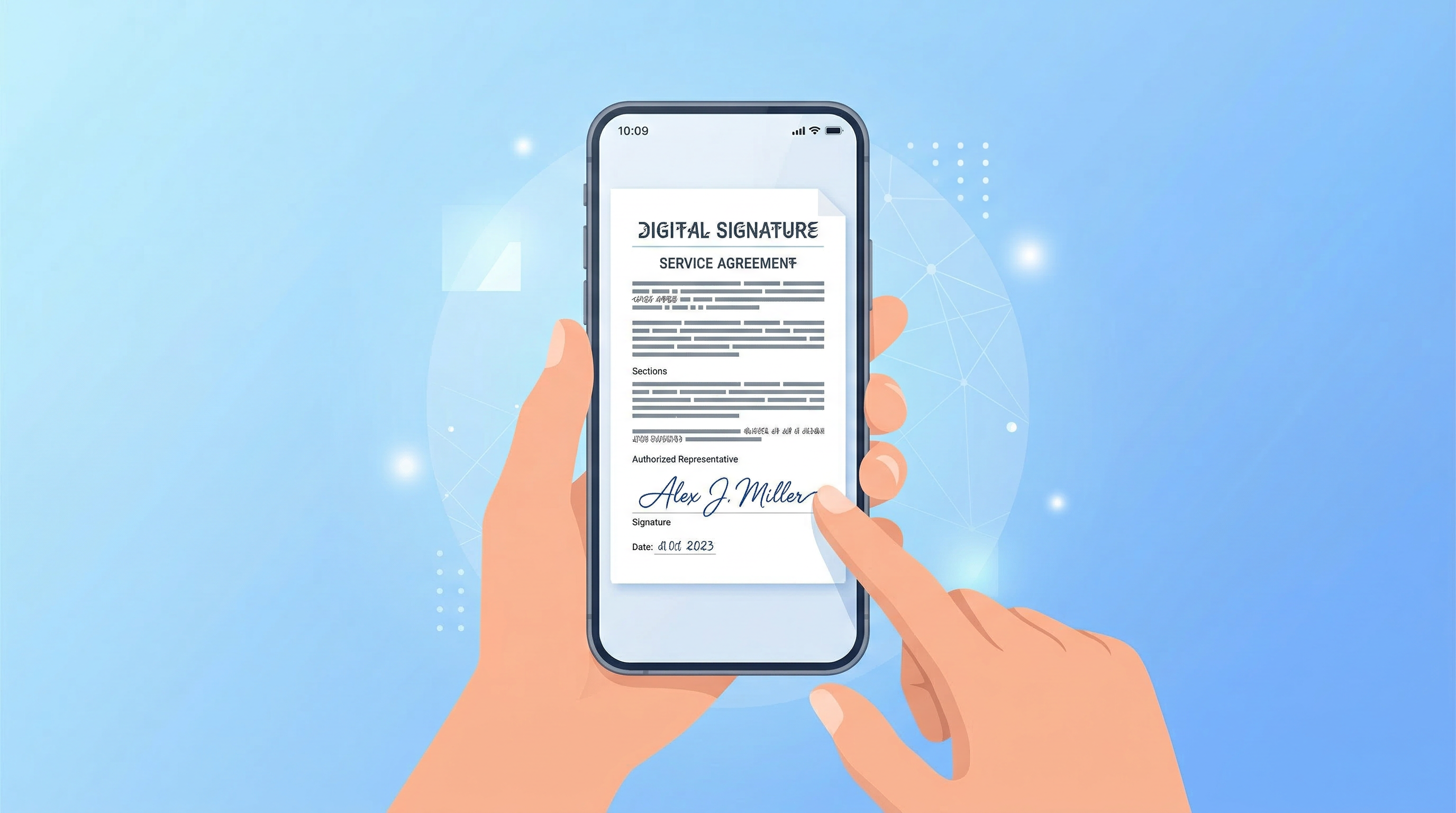
How to Sign a PDF on Your Phone Without Printing
Sign any PDF document directly on your iPhone or Android in seconds — no printing, no scanning, no waiting. Here's how.
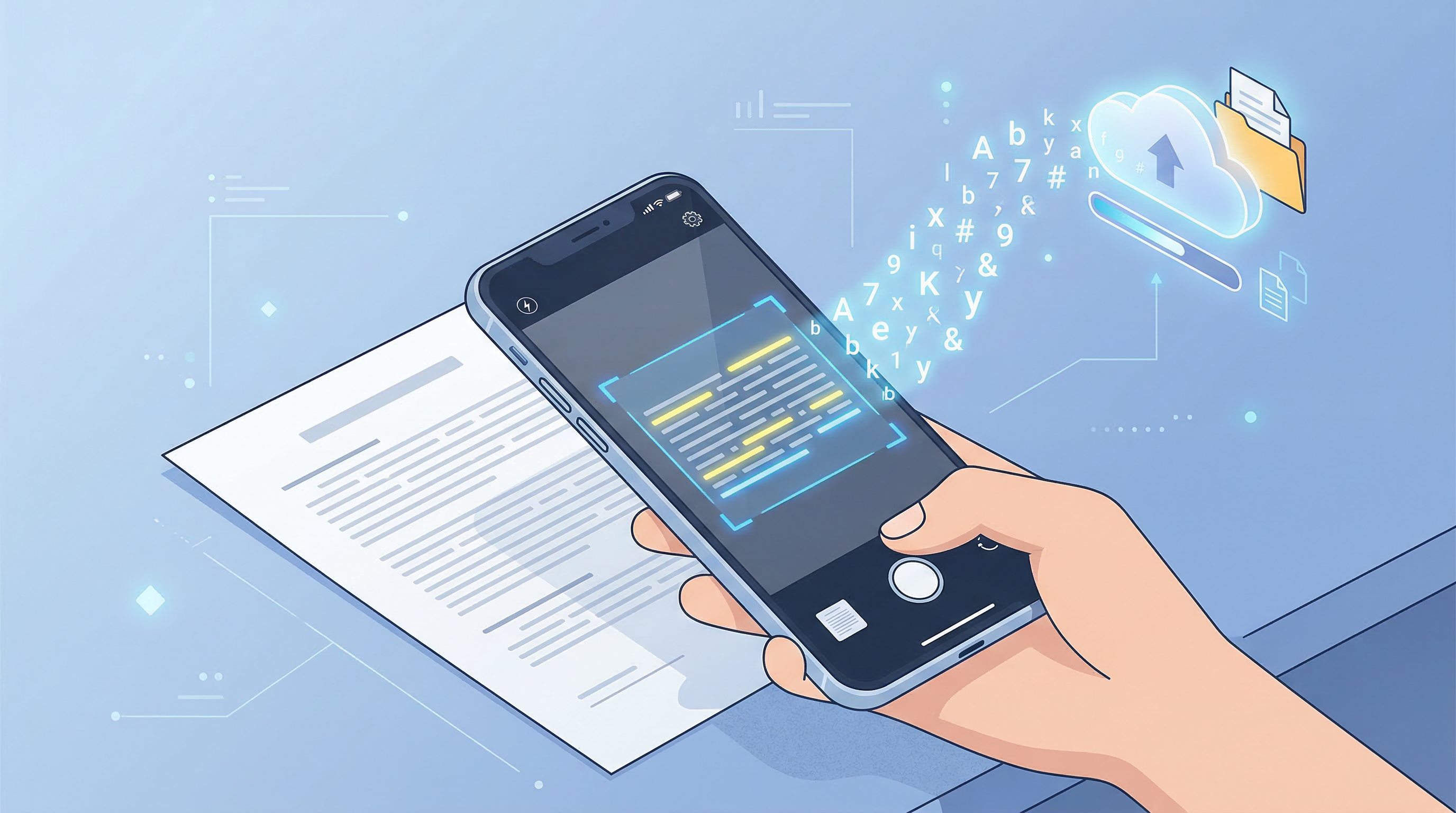
OCR Technology Explained: How Your Phone Reads Text
OCR turns scanned images into searchable, editable text. Here's how it works, why it matters, and how to use it on your phone in 2026.
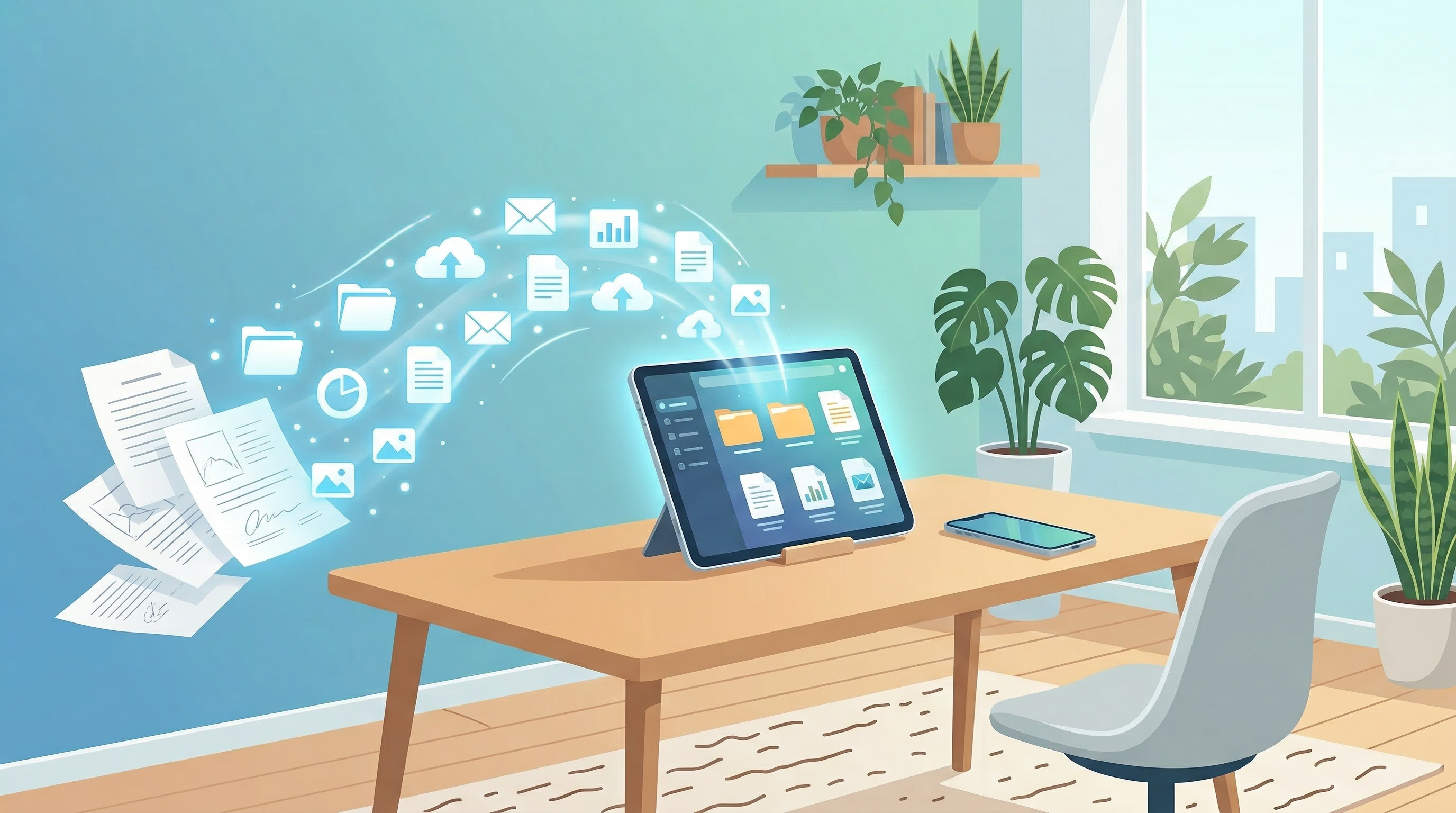
5 Ways to Go Paperless at Home and Save Money
Going paperless at home reduces clutter, saves money, and helps the environment. Here are 5 practical ways to start in 2026.
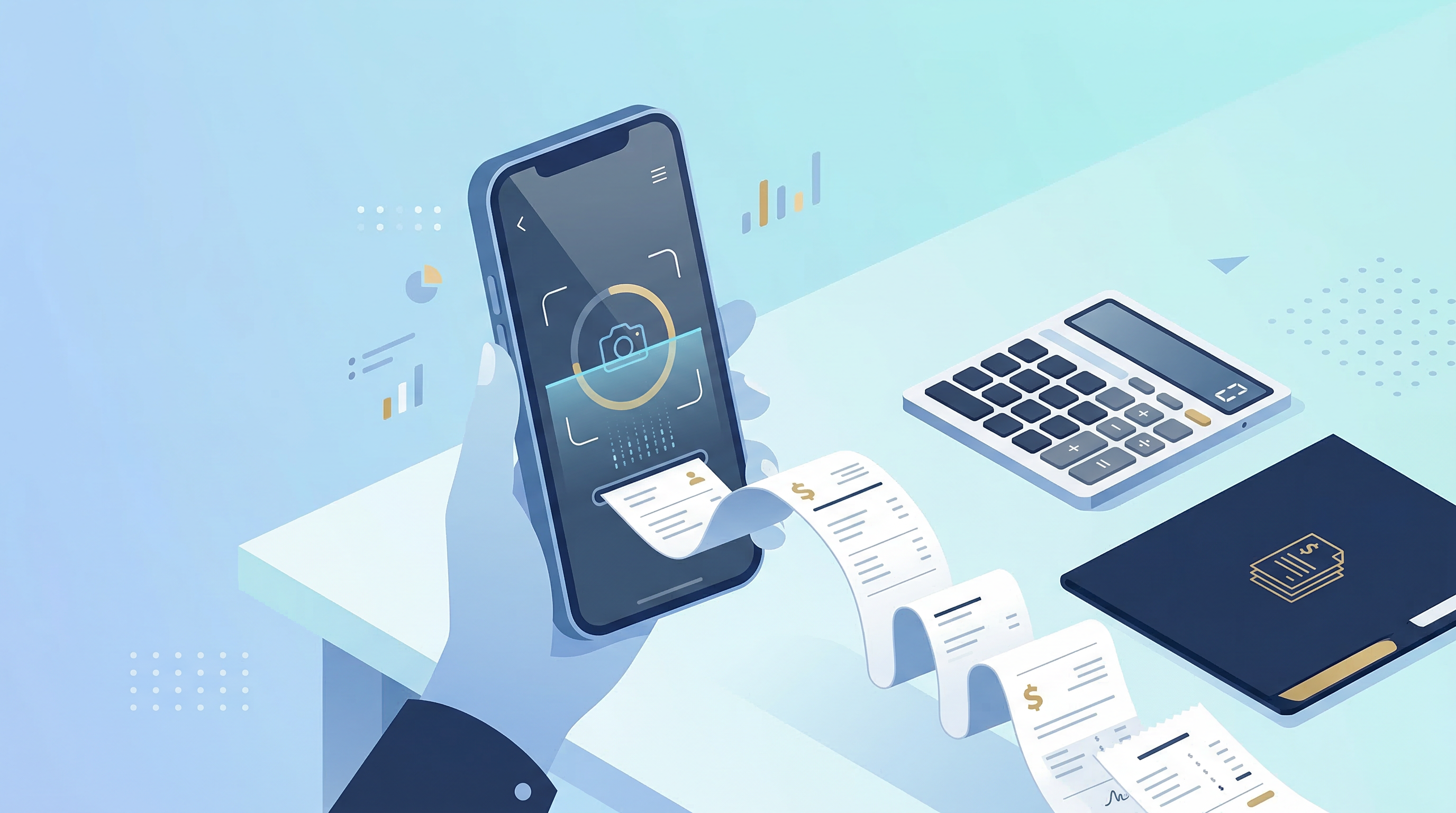
How to Scan Receipts for Tax Season 2026
Don't lose deductible expenses. Here's the best system for scanning, organizing, and storing receipts for tax season 2026.
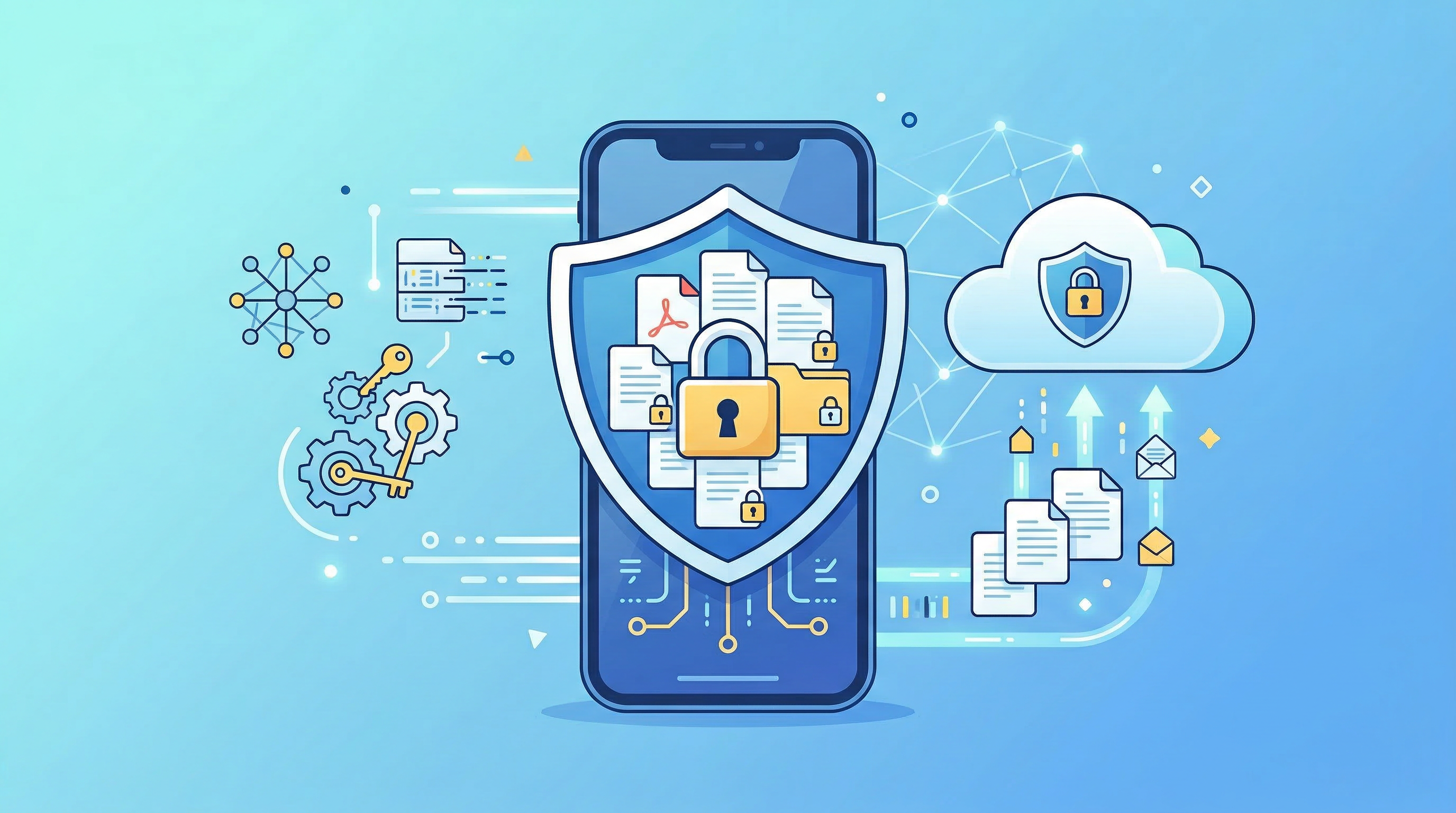
The Ultimate Guide to Document Security on Mobile
Your phone holds sensitive documents — contracts, IDs, tax forms. Here's how to keep them secure in 2026 without sacrificing convenience.

Why Every Freelancer Needs a Mobile Document Scanner
Freelancers deal with contracts, invoices, and receipts daily. A mobile document scanner isn't a luxury — it's a core business tool. Here's why.